Add DNSimple as a secondary DNS server
Last updated
Table of Contents
- Video walk-through
- Requirements
- Add a secondary zone
- Add a primary server
- Configure AXFR at your primary DNS provider
- Link a secondary zone to a primary server
- Delegate through both providers
- Remove an inbound secondary zone
- Have more questions?
This guide covers inbound secondary DNS: an external primary holds the zone, and DNSimple is the secondary (follower). For concepts, see What is Secondary DNS?. If your primary should stay off public NS records, see Add DNSimple as Secondary DNS with a Hidden Primary.
For the opposite direction (DNSimple as primary), see Add a secondary DNS server to DNSimple.
Video walk-through
Requirements
- A primary DNS provider that supports AXFR.
- A DNSimple account on a plan that includes DNSimple as secondary DNS (Solo Pro, Teams, or Enterprise).
- Ability to allow DNSimple’s AXFR client IPs on your primary provider ACL.
- Ability to change domain delegation at your registrar if you want both providers in the public NS set.
Warning
Do not add DNSimple as a secondary DNS server to domains with DNSSEC. DNSimple does not import external RRSIG records, which produces resolution failures from DNSSEC-aware resolvers. See Why DNSSEC and Secondary DNS May Not Work Together.
Add a secondary zone
Create a secondary zone
- Log in to DNSimple with your user credentials.
- If you have more than one account, select the relevant one.
- In the top header, click .

- On the Domain Names page, click (upper right, next to ).
- Choose .
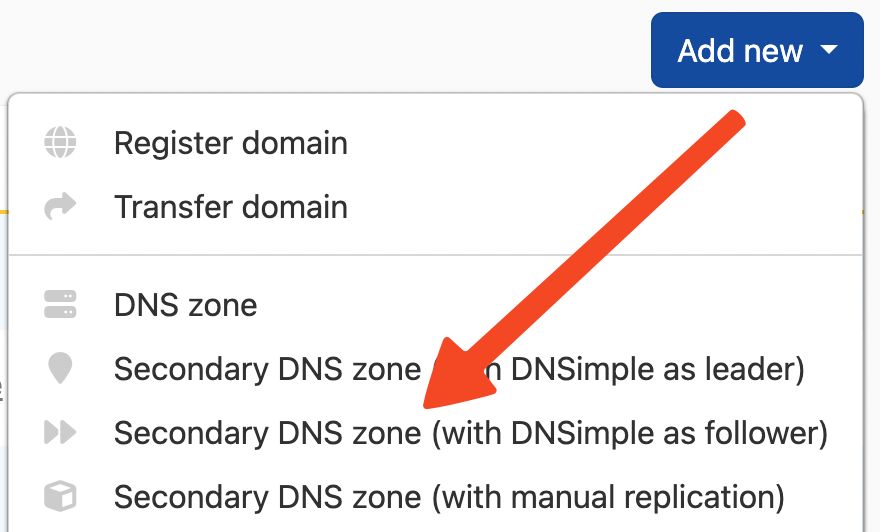
- Enter the domain name for which you want DNSimple as the secondary DNS provider.
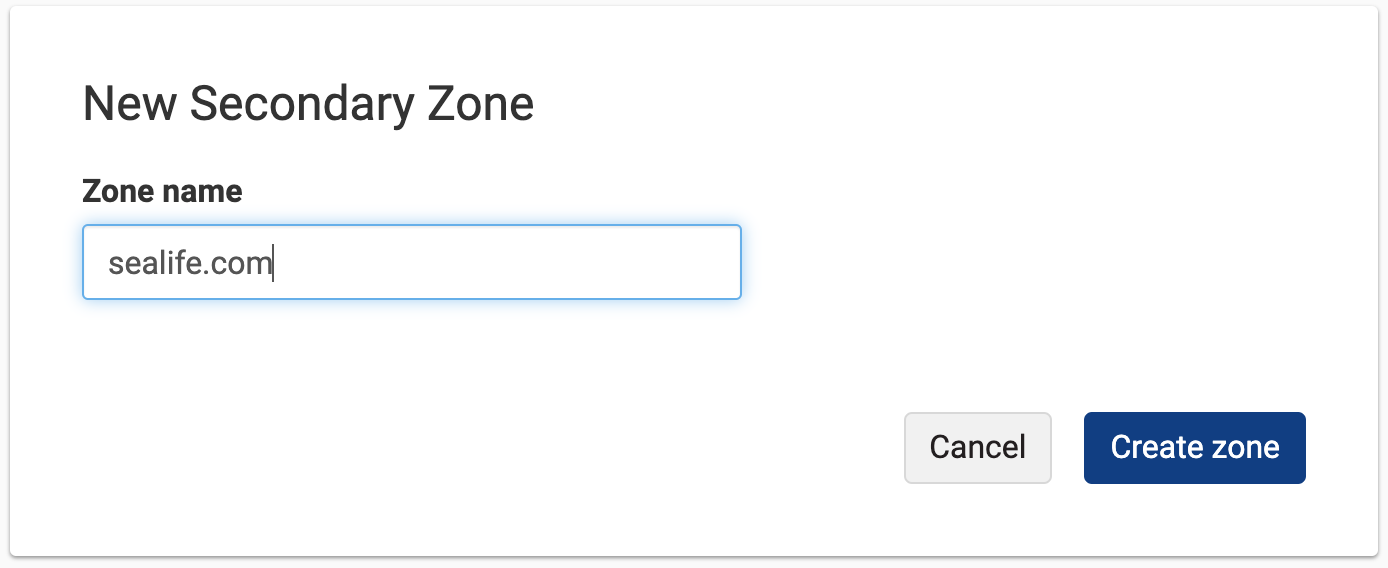
- Create the zone.
Add a primary server
Primary server entries can be reused across all the secondary zones you set up. If you need to add a new entry, fill in the form with an alias name, and the IP address and port number provided by your primary DNS provider. For the limits on each field, see Secondary DNS Field Reference.
Create a primary server
- Open the secondary zone you created.
- Add a primary server.
- Enter an alias name, the IP address, and the port from your primary DNS provider.
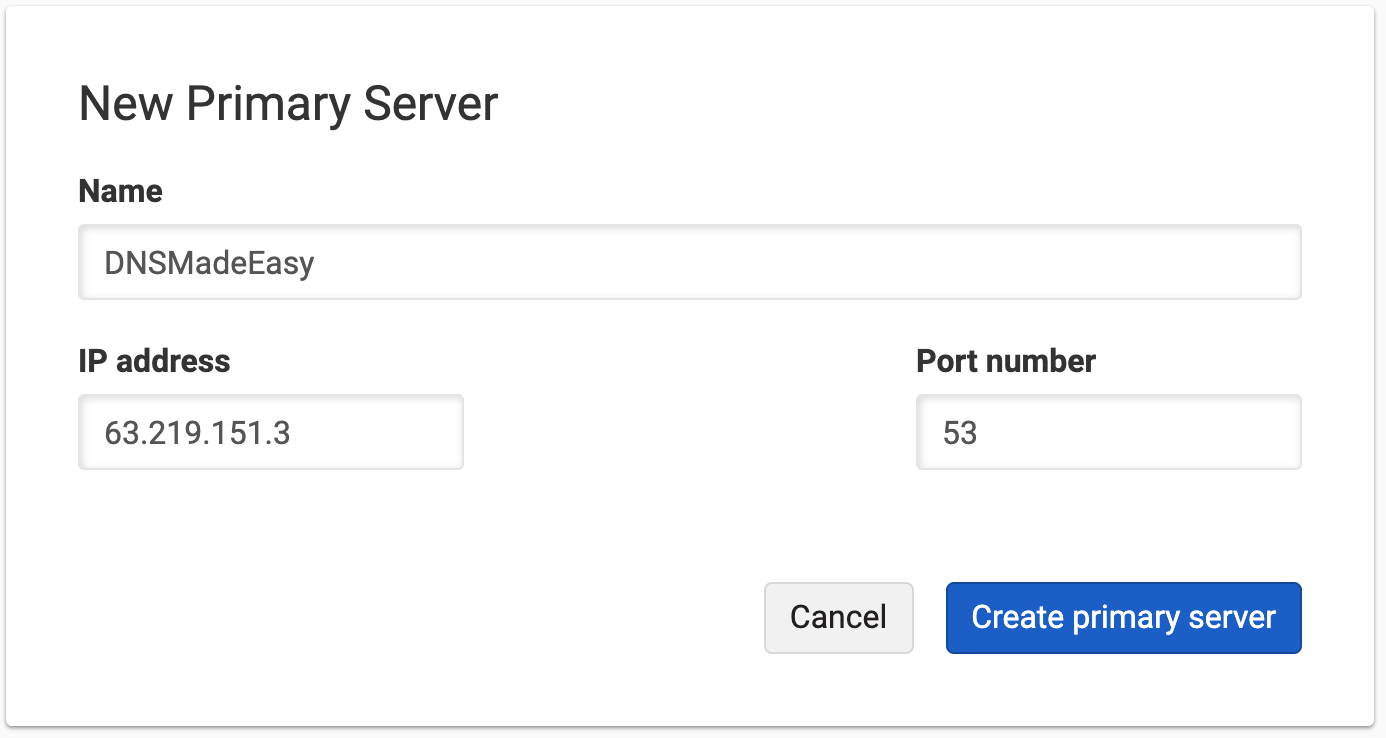
- Save the primary server.
Configure AXFR at your primary DNS provider
Allow DNSimple’s AXFR client IPs on your primary provider ACL before you link the zone. Zone transfers fail until the ACL allows these clients.
Production
3.12.234.22600:1f16:ae2:e900:f05c:9438:865f:64a0
Note
Confirm these client IPs still match production before relying on them in a change window. If a transfer fails after ACL updates, contact support.
API documentation: Secondary DNS API.
Link a secondary zone to a primary server
Linking a secondary zone to a primary server enables zone transfers (AXFR) that keep your domain at DNSimple in sync with your primary DNS provider.
Link a primary server
- Open the secondary zone by clicking the zone name.
- Select .
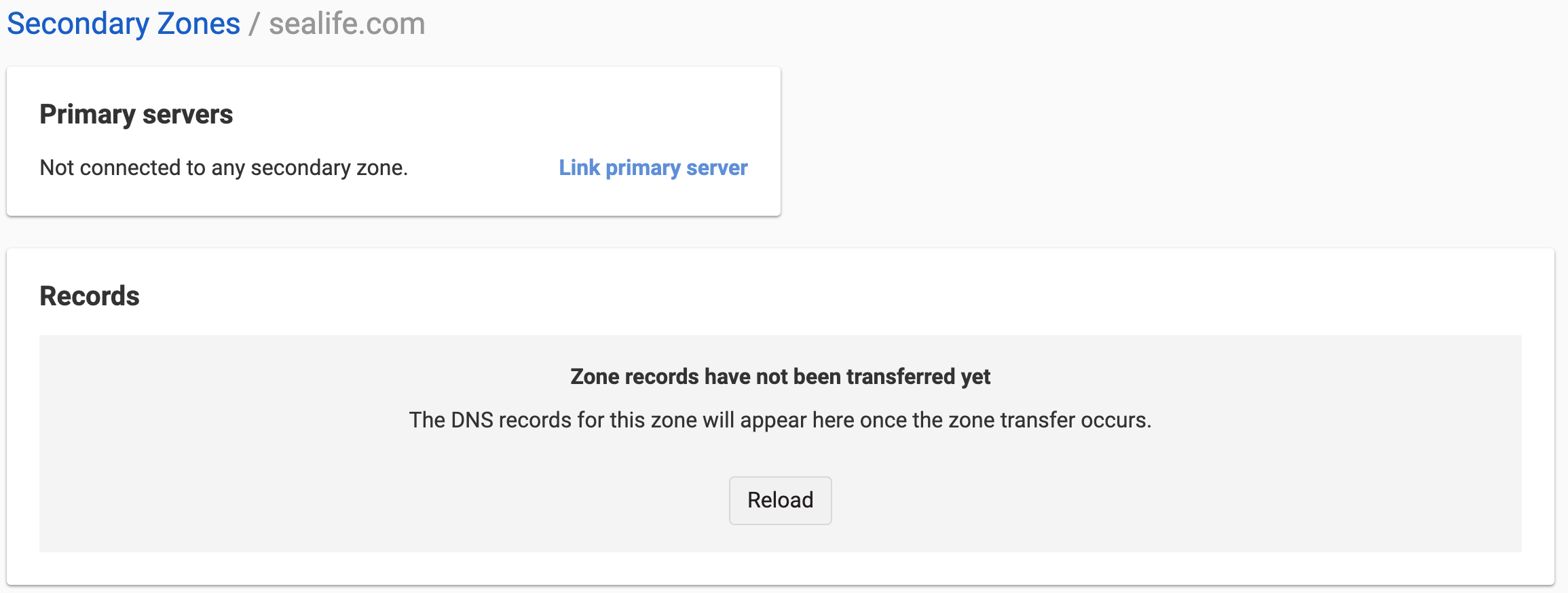
- Choose the primary server you want to pull the zone file from. You can choose more than one primary server.
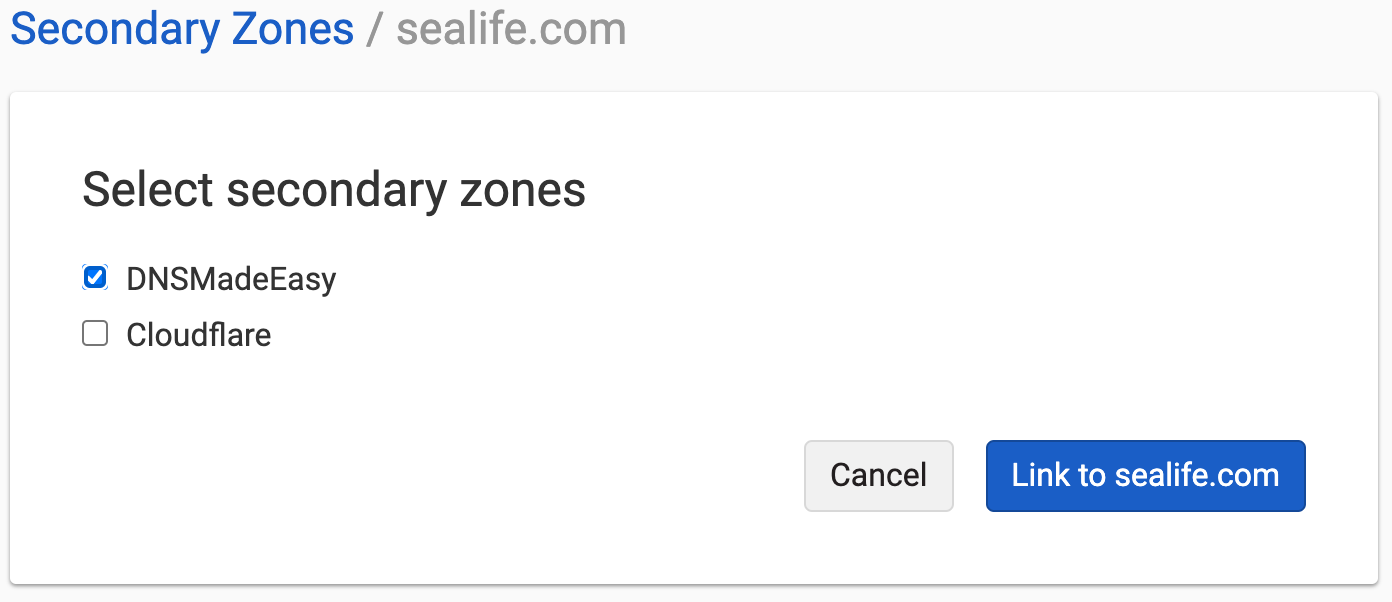
DNSimple attempts the first zone transfer after linking to sync the zone with DNS records from the primary. This can take a few minutes, especially if you just added DNSimple’s AXFR client IPs to the primary ACL.
Note
If you added DNSimple to the primary ACL after linking, or more than 10 minutes have passed and no records appear, confirm the AXFR client IPs are on the access-control list (ACL) at your primary. This allows DNSimple to carry out zone transfer via AXFR. After confirming the IPs are present, use and again. Allow another 10 minutes for the initial zone transfer. For more checks, see Troubleshoot Secondary DNS Zone Transfers. If it still fails, contact support.
Delegate through both providers
Update the NS set at your primary
Include some of DNSimple’s name servers in the zone NS set at the primary, for example:
NS example.com ns1.primary.comNS example.com ns2.primary.comNS example.com ns3.primary.comNS example.com ns1.dnsimple-edge.comNS example.com ns2.dnsimple-edge.netNS example.com ns3.dnsimple-edge.ioNS example.com ns4.dnsimple-edge.org
Update registrar delegation
Update the delegation at the domain registrar with a mix of name servers from both your primary DNS provider and DNSimple. The list of name servers should match those used for the NS record set (see previous step).
Once this is in place, DNS queries for that domain will be randomly answered by either of the two providers, which provides greater redundancy.
Example:
ns1.primary.comns2.primary.comns3.primary.comns1.dnsimple-edge.comns2.dnsimple-edge.netns3.dnsimple-edge.ions4.dnsimple-edge.org
Remove an inbound secondary zone
If you created a secondary zone by mistake, or you no longer want DNSimple as a secondary for that domain, move delegation away from DNSimple, unlink the primary server, then delete the domain from your account.
Warning
Deleting a domain permanently removes its records from your DNSimple account. This is irreversible. If the domain still resolves through DNSimple, resolution stops as soon as the records expire according to their TTL, so move delegation away from DNSimple first. Deleting a domain from your account does not cancel a registration held at DNSimple. See Delete a Domain.
Unlink and delete a secondary zone
- If your registrar delegation lists DNSimple name servers for this domain, update the delegation first so it no longer points at DNSimple for that zone. Wait for the old NS records to expire according to their TTL.
- In the top header, click , then open the secondary zone.
- In the card, open the actions menu on each linked primary and click . Confirm when prompted.
- On the left tabs for that domain, click .
- On the card, click , then confirm.
- Optionally, open the primary server entry and, on the card, click if no other secondary zones use it.
After you delete the domain, DNSimple no longer answers queries for that zone. Resolution continues on whatever name servers remain in the public delegation and at your primary.
Outbound secondary DNS (DNSimple as primary) uses a different teardown path, including a staged wait before zone transfers stop. See Disable secondary DNS in Add a secondary DNS server to DNSimple.
Have more questions?
If you have any questions about inbound secondary DNS, contact support, and we will be happy to help. You can also read more about secondary DNS at DNSimple.