Add DNSimple as Secondary DNS with a Hidden Primary
Last updated
Table of Contents
- Requirements
- Step 1: Set up DNSimple as secondary DNS
- Step 2: Update delegation at your registrar
- Step 3: Configure your hidden primary
- Step 4: Verify the setup
- Have more questions?
A hidden primary DNS setup lets you keep your primary DNS server private while using DNSimple as a secondary DNS provider to handle public queries. This setup enhances security, redundancy, and performance by keeping your primary authoritative name servers off public name server lists.
Your primary name servers can be located behind firewalls, on internal networks, or on premises, so you keep full control over zone management. You still edit the zone on the primary. DNSimple pulls updates over AXFR.
There is no separate “hidden primary” product in the DNSimple UI. You use the same inbound secondary DNS flow (a secondary zone linked to a primary server), then publish only DNSimple name servers at the registrar.
This guide builds on Add DNSimple as a secondary DNS server. For concepts, see What is Secondary DNS?.
Requirements
- A primary DNS provider that supports AXFR (full zone transfers).
- A DNSimple account on a plan that includes DNSimple as secondary DNS (Solo Pro, Teams, or Enterprise).
- Ability to change domain delegation at your domain registrar.
Warning
Do not add DNSimple as a secondary DNS server to domains with DNSSEC. DNSimple does not import external RRSIG records, which produces resolution failures from DNSSEC-aware resolvers. See Why DNSSEC and Secondary DNS May Not Work Together.
Step 1: Set up DNSimple as secondary DNS
Follow Add DNSimple as a secondary DNS server to create the secondary zone, add the primary server, allow DNSimple on the primary ACL, and link them.
Step 2: Update delegation at your registrar
Update the delegation at your domain registrar to DNSimple’s name servers only.
Note
Do not list the hidden primary DNS server in public delegation if you want it to stay private.
Step 3: Configure your hidden primary
Configure the hidden primary
- At your primary DNS provider, add your DNS records (A, MX, CNAME, TXT, and others as needed).
- Enable AXFR (zone transfers), and allow DNSimple’s AXFR client IPs.
- Ensure your NS records do not include the hidden primary, so it stays private.
Step 4: Verify the setup
The configuration can take 10 to 30 minutes to take effect. If records still do not appear after that, see Troubleshoot Secondary DNS Zone Transfers.
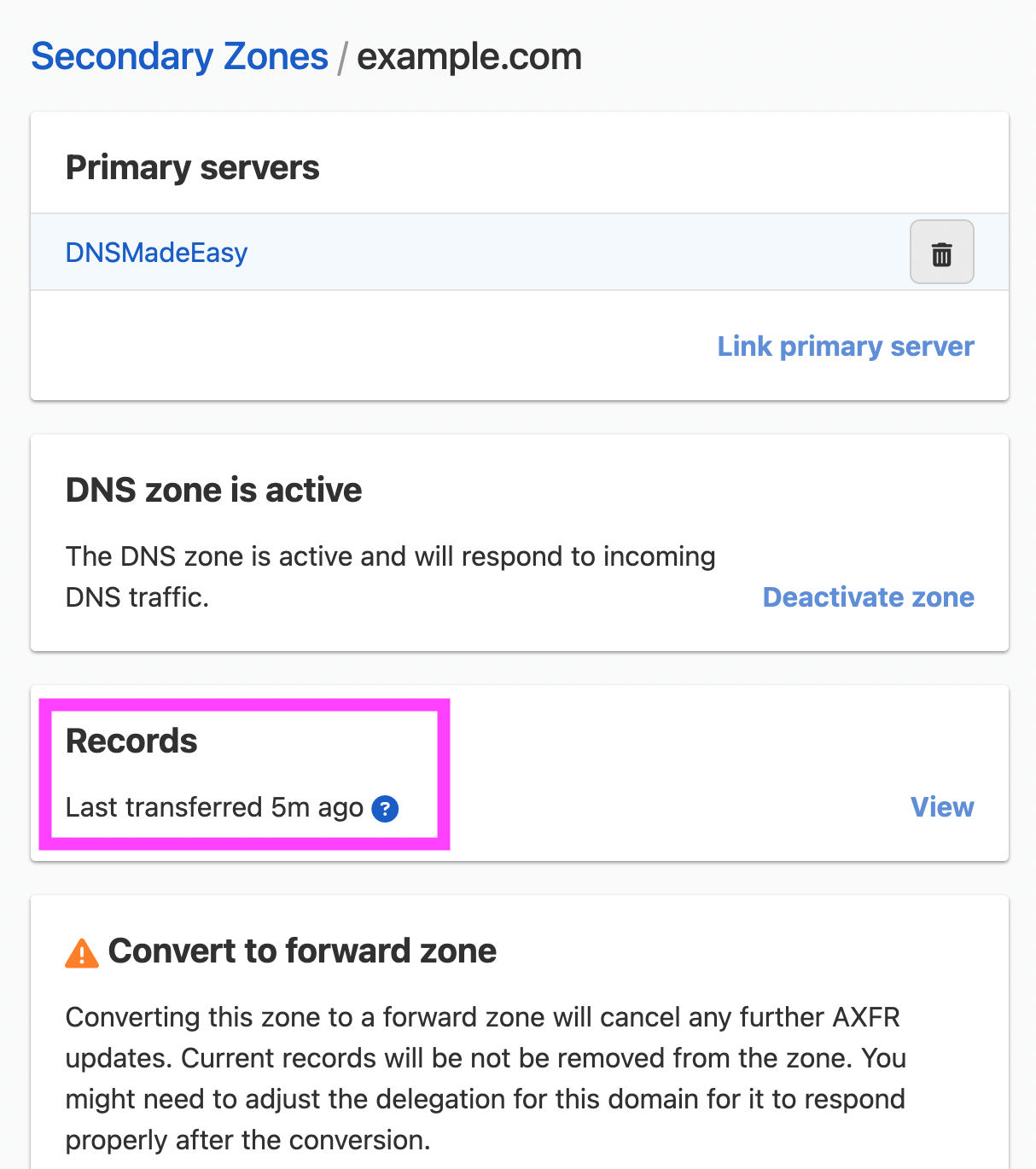
Records synchronized in DNSimple
Verify that the records have been synchronized in your DNSimple account.
Public queries resolve through DNSimple
Run the following dig command from your console:
dig @ns1.dnsimple-edge.com example.com
Hidden primary is not exposed
Verify that the hidden primary name servers are not publicly exposed. Query WHOIS for the domain:
whois example.com
The name servers listed should be DNSimple only:
Name Server: ns1.dnsimple-edge.com
Name Server: ns2.dnsimple-edge.net
Name Server: ns3.dnsimple-edge.io
Name Server: ns4.dnsimple-edge.org
Have more questions?
If you have questions about this setup, contact support, and we will be happy to help. You can also read more about secondary DNS at DNSimple.