View Record Notes and Audit History
Last updated
Viewing a record note
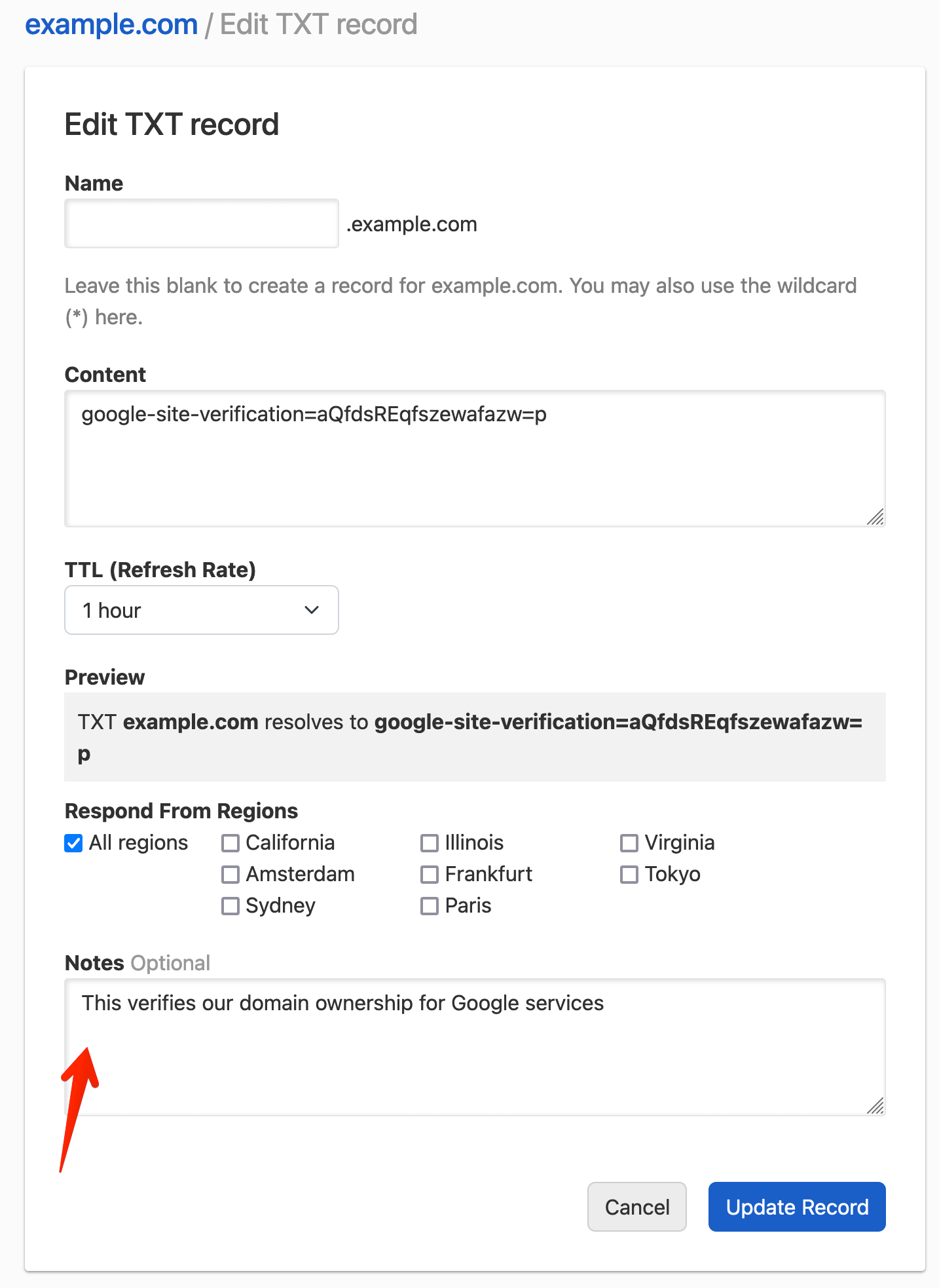
To see the current note on a record, open the record editor, click the three-dot actions menu at the end of the record row, and select . The note also appears in the Notes field when you edit the record.
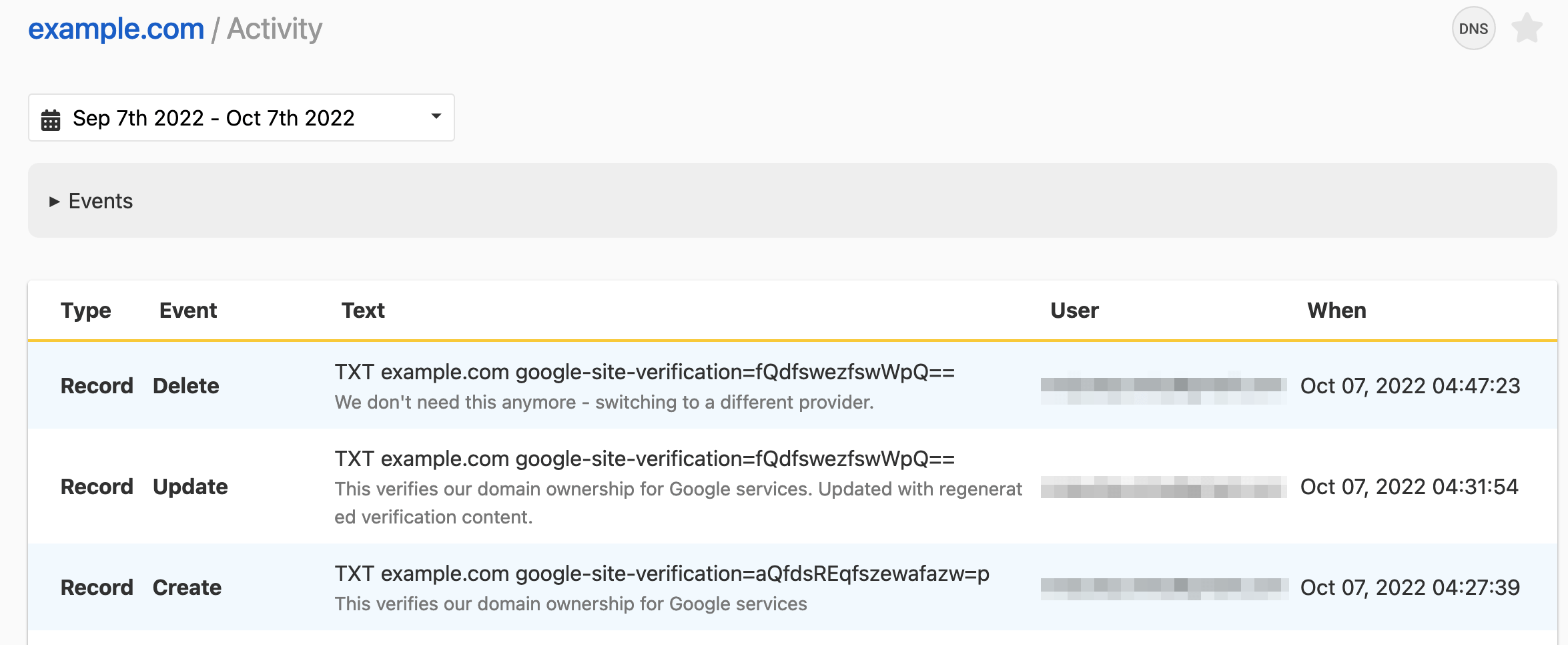
Viewing record notes in your audit history
When you create, update, or delete a record with a note, the note is saved with that change in the domain’s activity. To see it, click in the card on the domain page. Teams and Enterprise plans keep the full history; Solo and Solo Pro show the last 30 days.
Have more questions?
If you have additional questions or need any assistance with record notes, just contact support, and we will be happy to help. You can also read more about DNS hosting at DNSimple.