Squarespace One-click Service
Last updated
Table of Contents
- Get the verification code from Squarespace first
- Clear the apex and www first
- Add the Squarespace service
- Have more questions?
Squarespace builds and hosts websites and online stores. The Squarespace one-click service adds three records:
- An ALIAS record for the domain apex, pointing to
ext-cust.squarespace.com - A CNAME record for
www, pointing toext-cust.squarespace.com - A verification CNAME record, named with the code Squarespace gives you, pointing to
verify.squarespace.com
Get the verification code from Squarespace first
Connect your domain in Squarespace as a domain you own from another provider. Squarespace then shows the records for your domain. Copy the code in the column of the first CNAME record, the one pointing to verify.squarespace.com. See Squarespace’s guide to connecting a domain to your site.
Squarespace unlinks the domain from your site after 15 days if the verification record is missing or wrong.
Clear the apex and www first
The service cannot share its names with some existing records. An ALIAS record cannot share a name with an A, AAAA, CNAME, ALIAS, or URL record, and a CNAME record cannot share a name with any other record. If the domain apex has one of those records, or www has any record, DNSimple does not add the service and shows an error such as ALIAS and A records cannot both exist on the same name. Before you add the service, open the record editor and delete:
- Any A, AAAA, CNAME, ALIAS, or URL records on the domain apex. Squarespace’s guide asks you to delete existing apex A records. DNSimple also rejects the service if any of the other types are there.
- Any records on
www.
Leave other records, such as MX records, in place.
Add the Squarespace service
To add the Squarespace service
- From the domain list, click the domain name.
- Click the tab on the left side.
-
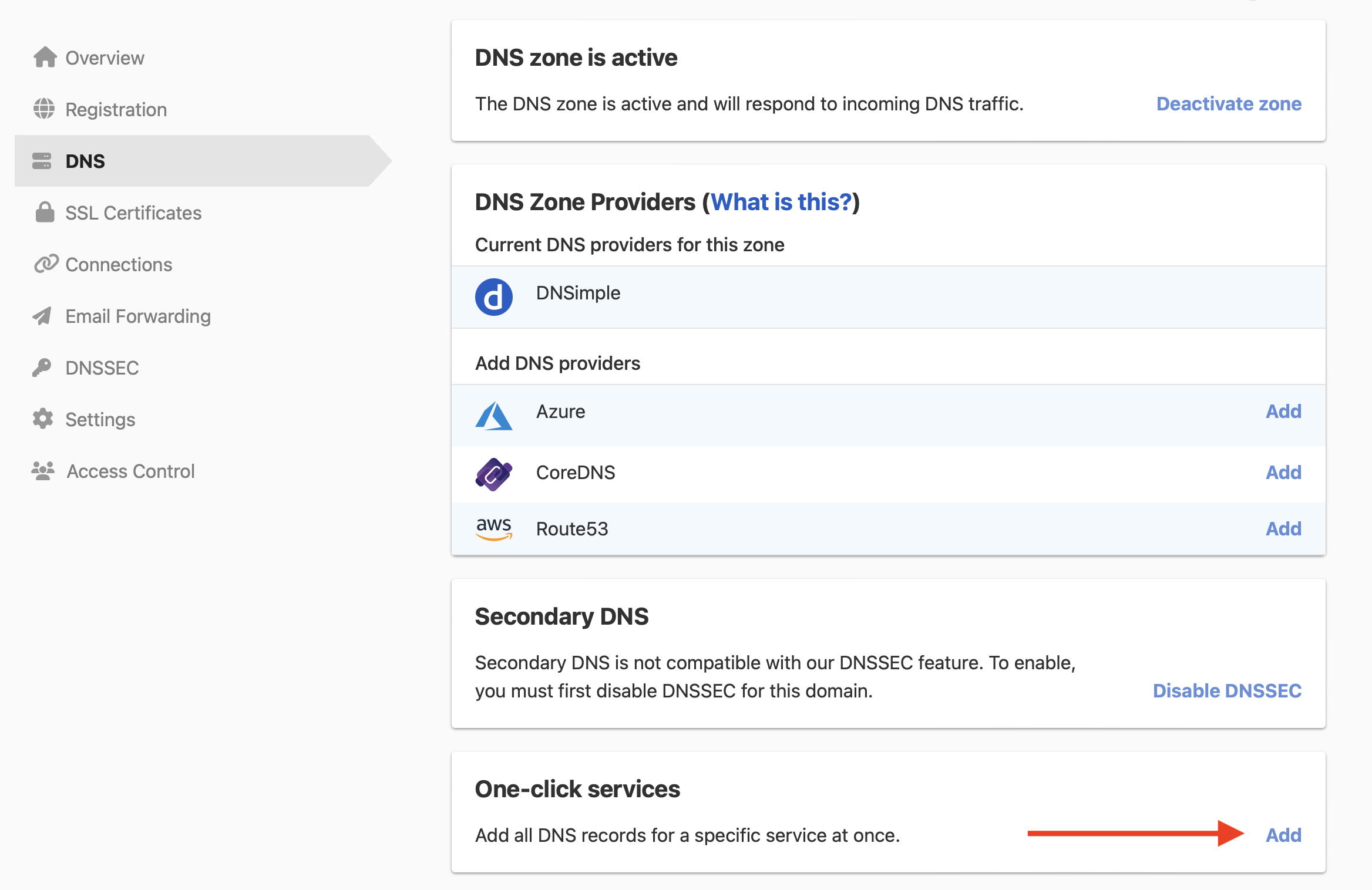
In the card, click , or if the domain already has a service.
-
Click the tab, and click next to Squarespace.

- In , enter the code from the column in Squarespace.
- Click .
To remove the service later, see Remove a one-click service.
Have more questions?
If you have additional questions or need any assistance with the Squarespace service, contact support, and we’ll be happy to help. You can also read more about DNSimple integrations.