Shopify One-click Service
Last updated
Table of Contents
Shopify is a platform for building an online store. The Shopify one-click service adds an A record for the domain apex pointing to 23.227.38.65 and a CNAME record for www pointing to shops.myshopify.com.
Add the Shopify service
To add the Shopify service
- From the domain list, click the domain name.
- Click the tab on the left side.
-
In the card, click , or if the domain already has a service.
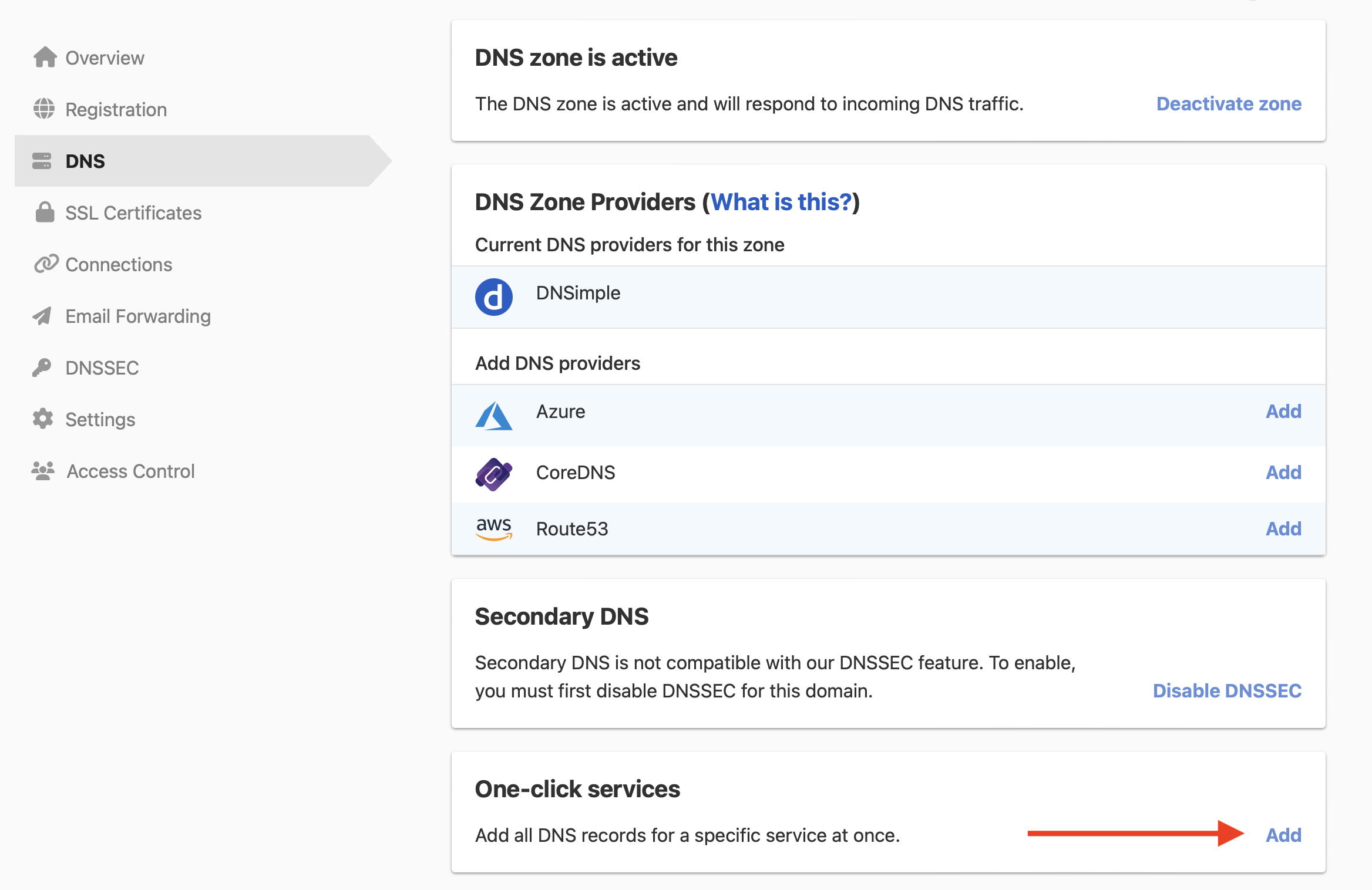
-
Click the tab, and click next to Shopify.

The service has no setup form, so DNSimple adds the records as soon as you click .
Shopify’s guide also lists an AAAA record for the domain apex, pointing to Shopify’s IPv6 address. The service does not add it. To add it, use the record editor with the address from Shopify’s guide.
Connect the domain in Shopify
Then connect the domain in your Shopify admin. See Shopify’s guide to connecting a domain manually.
To remove the service later, see Remove a one-click service.
Have more questions?
If you have additional questions or need any assistance with the Shopify service, contact support, and we’ll be happy to help. You can also read more about DNSimple integrations.