Mailgun One-click Service
Last updated
Table of Contents
- Add the domain in Mailgun first
- Add the Mailgun service
- Remove the Mailgun records
- Have more questions?
Mailgun sends, receives, and tracks email for applications. The Mailgun one-click service adds the records Mailgun asks for when you verify a domain:
- An SPF record:
v=spf1 include:mailgun.org ~all - A DKIM record, with the hostname and value Mailgun shows
- A CNAME record for
emailtomailgun.org, which Mailgun uses to track opens, clicks, and unsubscribes - Two MX records, to
mxa.mailgun.organdmxb.mailgun.org, for receiving email
Add the domain in Mailgun first
Note
The service adds Mailgun’s US-region records to the domain apex. If your Mailgun domain is in the EU region, or is a subdomain such as mg.example.com, add the records Mailgun shows yourself in the record editor instead.
Add the domain in Mailgun, and note the DKIM hostname and value it shows. See Mailgun’s guide to verifying your domain.
Add the Mailgun service
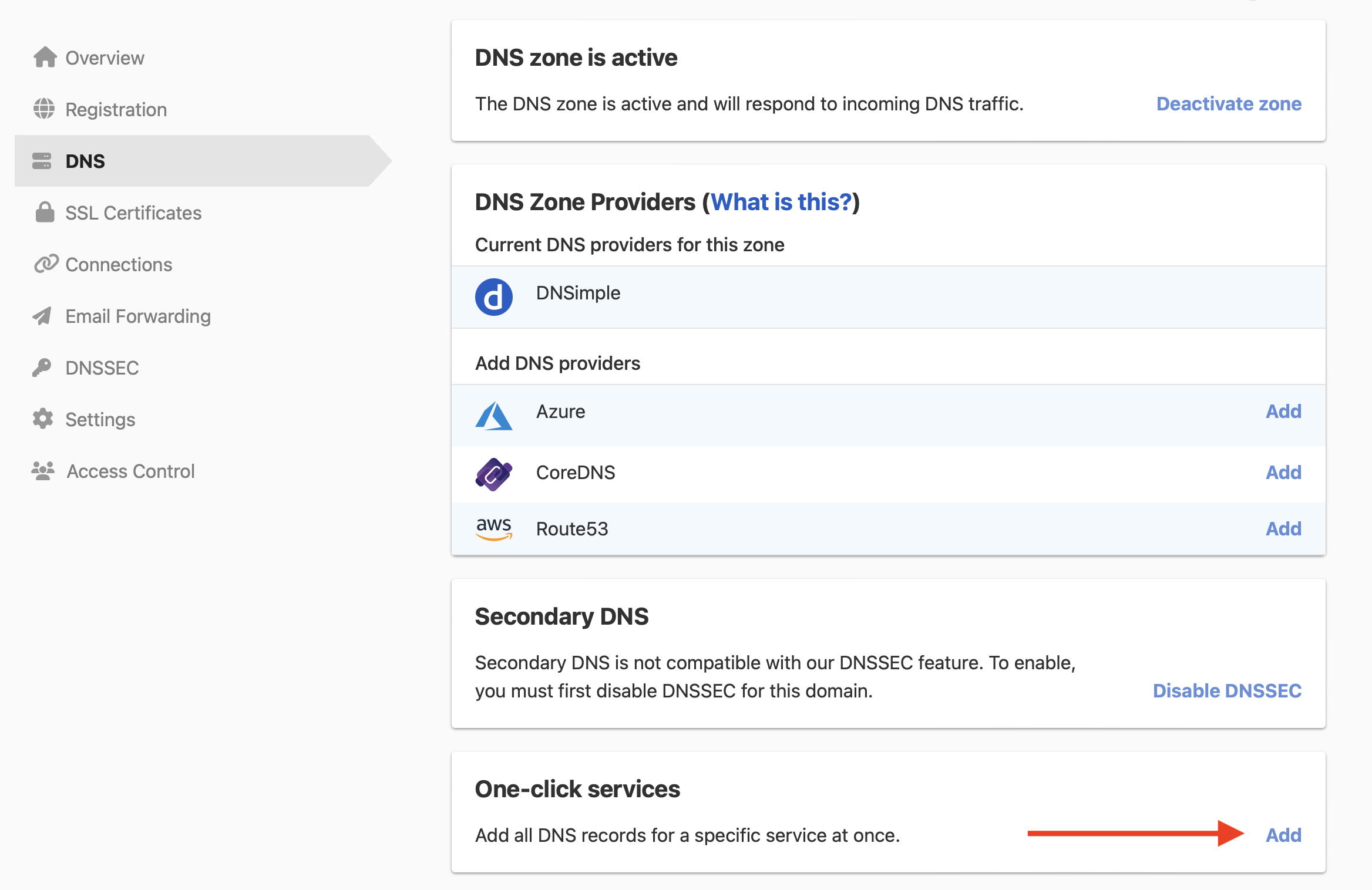
To add the Mailgun service
- From the domain list, click the domain name.
- Click the tab on the left side.
-
In the card, click , or if the domain already has a service.
-
Click the tab, and click next to Mailgun.

- In , enter the DKIM hostname Mailgun shows, such as
smtp._domainkey. - In , paste the DKIM value Mailgun shows.
- Click .
Warning
The service’s MX records send all email for example.com to Mailgun. If the domain already has MX records for another provider, mail goes to the record with the smaller priority number first. Keep only the MX records for the provider you use. See Managing MX Records When Changing Email Providers.
A domain can only have one SPF record. If the domain already has one, merge the two into a single record after applying the service. See Set Up SPF Records.
Remove the Mailgun records
To stop using Mailgun, remove the service instead of deleting its records one by one. Removing the service deletes all five records it added. If you delete the records by hand, the service stays listed under Applied one-click services until you remove it there.
Have more questions?
If you have additional questions or need any assistance with the Mailgun service, contact support, and we’ll be happy to help. You can also read more about DNSimple integrations.