Import Zone File
Last updated
You can add records to your domain by importing a zone file in standard BIND format. Most DNS providers can export one.
Note
Importing a zone file does not delete or replace the domain’s existing records. Records that already exist are skipped. If the import would take the zone above its record limit and the zone cannot go above it, no records are imported.
Note
As an alternative to manually importing zone files, you can use Auto-Import DNS Records to look up and import your existing DNS records. To export your domain’s records to a zone file, see Export Zone File.
To import records from a zone file
- If you have more than one account, select the relevant one from the account switcher at the top-right corner of the screen.
- On the header, click the tab.
- Locate the relevant domain, and click on the name to access the domain page.
- Click the tab.
-
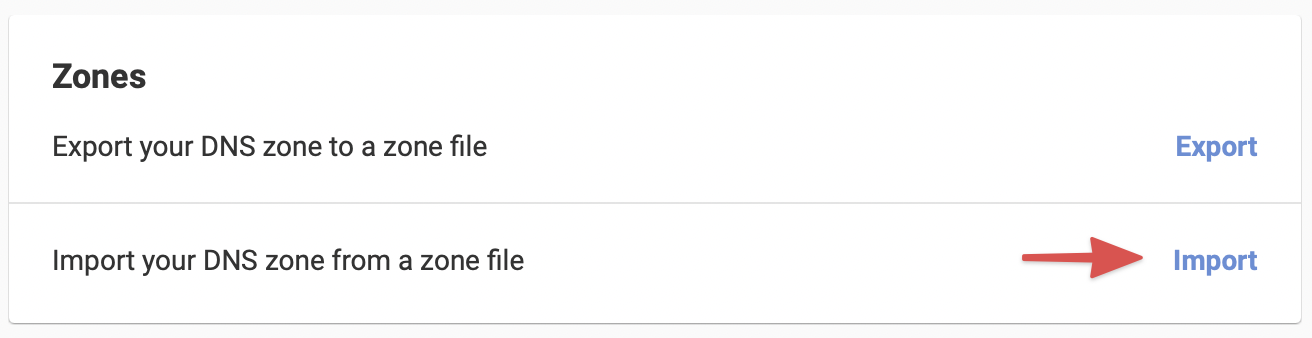
In the card, click . You can also click in the record editor, then select .
- Paste the content of the zone file into the field. The first record must be the zone’s SOA record.
- Click .
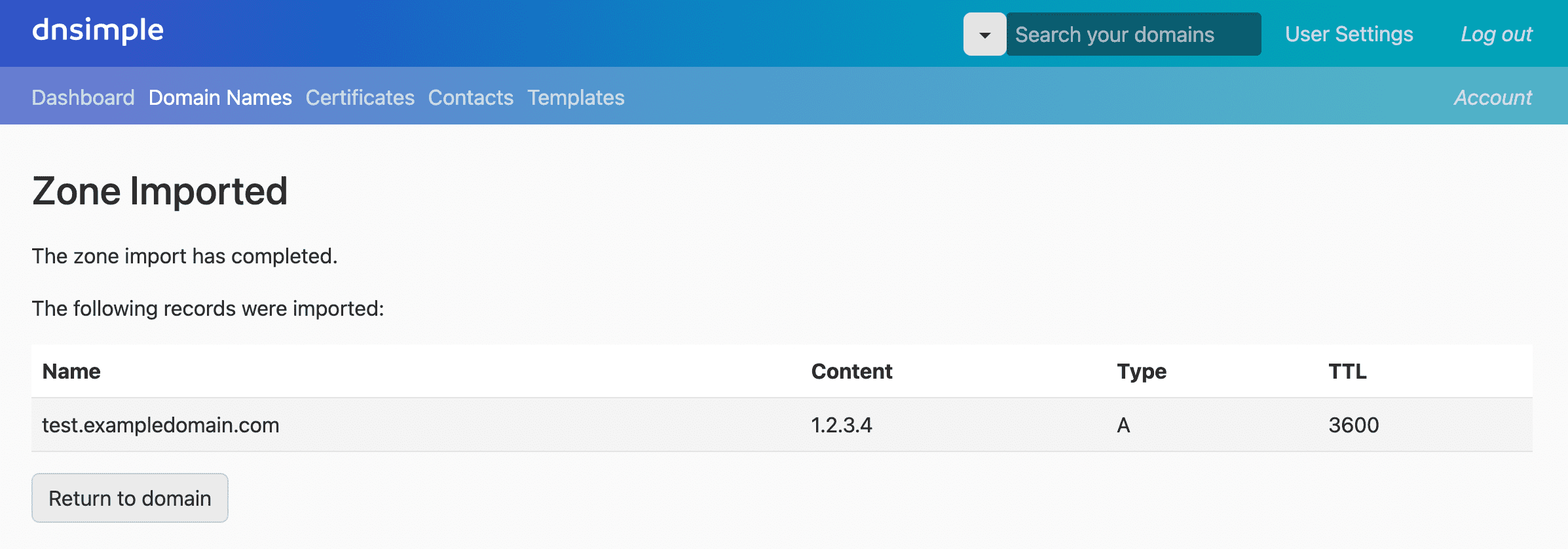
- The results page lists the records that were imported, any that failed and why, and any that were skipped because they already exist.
Have more questions?
If you have additional questions or need any assistance with your DNS records, just contact support, and we will be happy to help. You can also read more about DNS hosting at DNSimple.