Managing Your Contacts
Last updated
Table of Contents
- Why domain contacts are important
- Creating a new contact
- Updating contacts
- Deleting a contact
- Have more questions?
Domain contacts hold the registrant details required to register a domain or order an SSL certificate. Contacts belong to your account rather than to an individual user, so adding someone as a contact does not give them access to your DNSimple account. You manage them from the tab in the header. For an overview of domain contact documentation, see Domain Contacts at DNSimple.
Note
These instructions apply only to domains registered with DNSimple. If you are hosting the domain with us, and the domain is registered elsewhere, you will have to manage the contact information at your current registrar, or transfer the domain to DNSimple.
Why domain contacts are important
Only members with Full Access see the tab and can create, edit, or delete contacts. Domain Managers can still change which contact a domain uses, choosing from the contacts that already exist.
A contact must have correct, up-to-date information, because it may be used for ICANN contact verification after you register a domain. If the information is incorrect, the contact may not receive the validation request. Failure to validate the registrant email address results in suspension of the domain name after 15 days of non-compliance.
Contacts may also receive NIS2 contact email verification, which confirms the address is reachable but does not suspend the domain.
Use an email address that does not belong to the domain you are managing. If you own example.business, do not use hello@example.business. If your email is tied to the domain, and the domain becomes unavailable, expires, or is not configured correctly, you might not receive notifications.
For what each field requires, see the Domain Contact Field Reference.
Creating a new contact
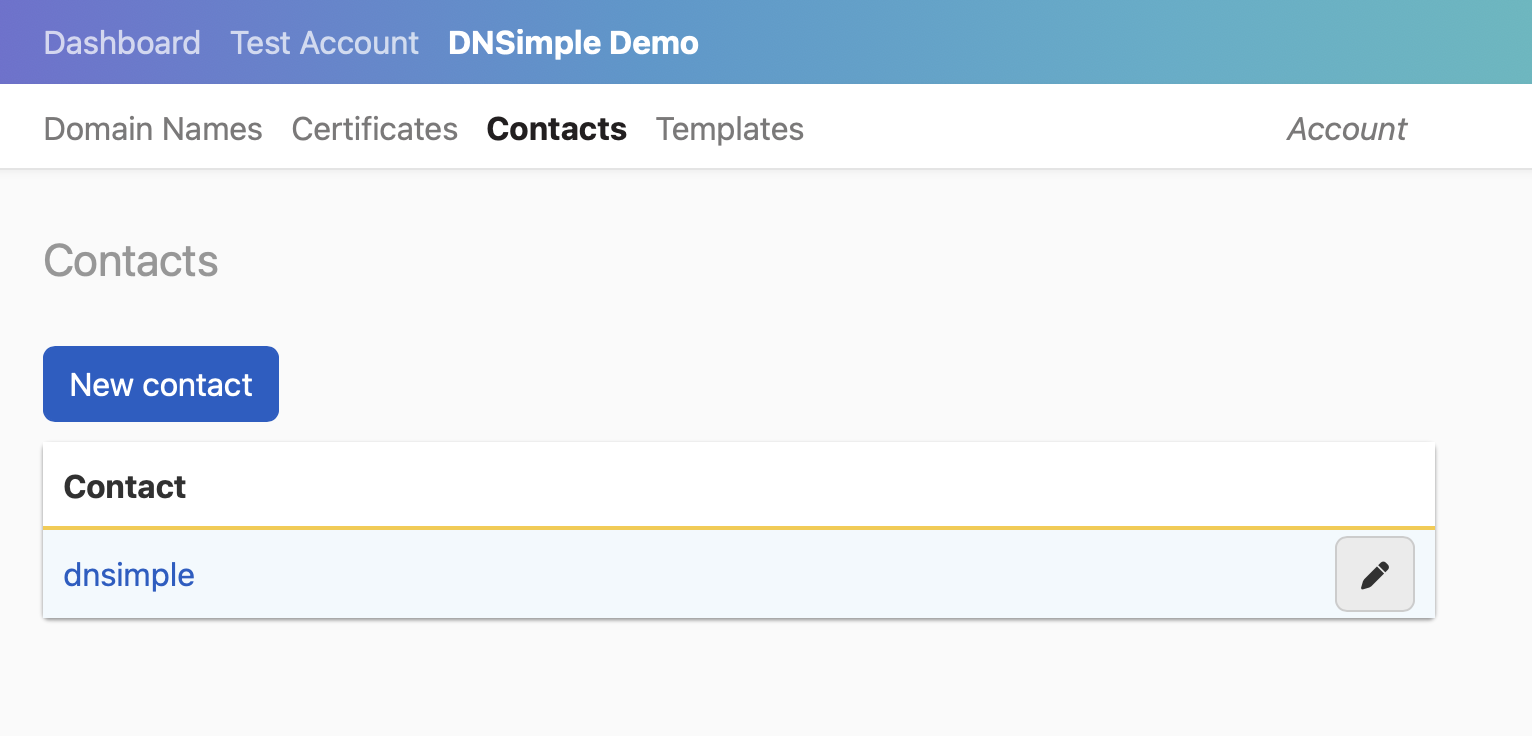
If you are registering a domain or ordering an SSL certificate for the first time and have not created any contacts yet, you will be prompted to create one during that flow. Once a contact is created, it is available for future domain management operations.
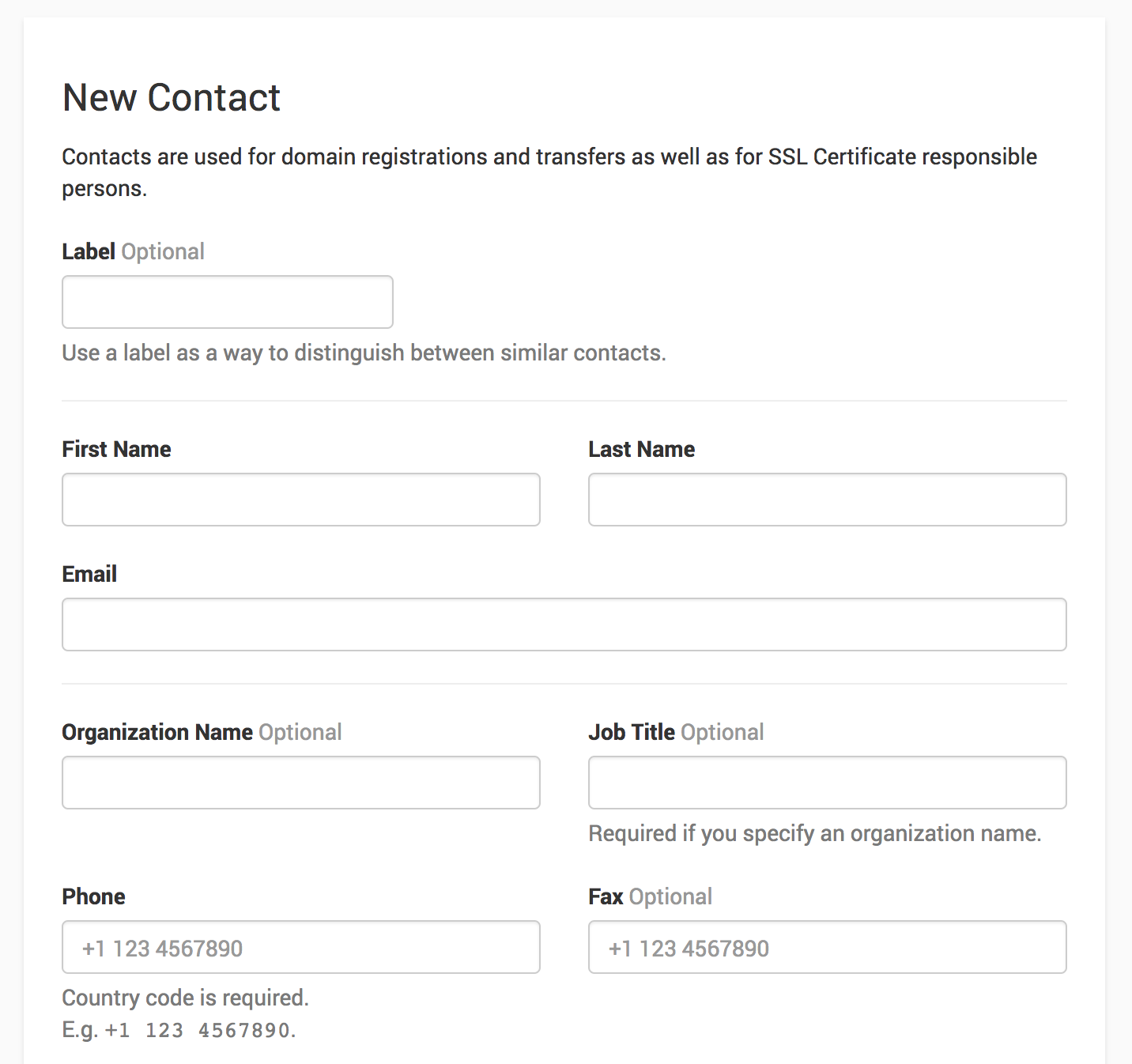
You can also create a contact at any time from the tab.
Note
If the email address on the contact has not been verified to comply with NIS2 regulations, you will receive a verification email. Follow the link in the email to complete the verification. For details, see NIS2 Contact Email Verification.
Updating contacts
If a contact is associated with multiple domains, updating that contact updates the contact information for all of those domains. You do not need to update each domain individually when they share the same contact.
To edit a contact, open the tab, click the menu at the end of its row, then select .
To change which contact a specific domain uses, replace the domain contact instead.
Note
When you update a domain contact:
- If you change the name, organization, or email address of a contact that is the registrant on a domain, the registrant email address may receive a verification email from
noreply@emailverification.info. Each email address only needs to be verified once. See Domain Validation Requirements. - You may also see a message that the contact change results in the domain being locked from transfers for 60 days.
- If you update the contact’s email address, you may also receive a separate email to verify the new address.
Deleting a contact
You can delete a contact from the tab. Click the menu at the end of the contact’s row, then select . The option only appears if the contact can be deleted.
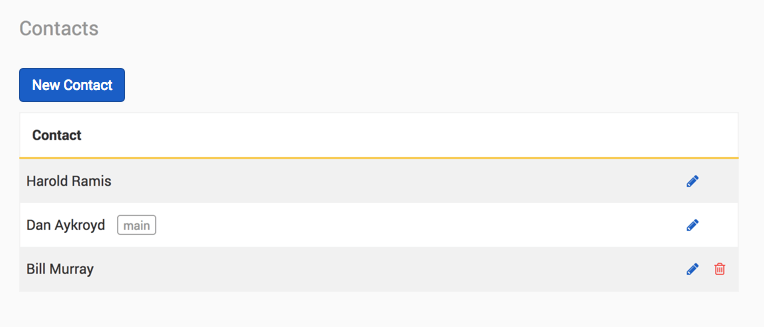
A contact cannot be deleted while either of the following is true:
- The contact is the registrant of at least one domain. Assign a different contact to those domains first. See Changing Domain Contacts.
- The contact has a registrant change still in progress. Wait for the change to complete, or cancel it from the tab of the affected domain.
The second case is easy to miss. A contact can look unused because no domain currently lists it as the registrant, and still refuse to delete because a registrant change naming it has not finished.
Contacts used on an SSL certificate order are not blocked from deletion.
Have more questions?
If you have any further questions or need assistance with your domain contacts, just contact support, and we’ll be happy to help.