Activate and Deactivate a DNS Zone
Last updated
A DNS zone only answers queries on DNSimple’s name servers while it is active. New zones start inactive, whether you register, transfer, or add the domain, so you activate the zone when you are ready to use DNSimple DNS hosting for it. You manage this from the domain’s tab.
Activating a DNS zone
To activate a DNS zone
- If you have more than one account, select the relevant one from the account switcher at the top-right corner of the screen.
- On the header, click the tab.
- Locate the relevant domain, and click on the name to access the domain page.
-
Click the tab.
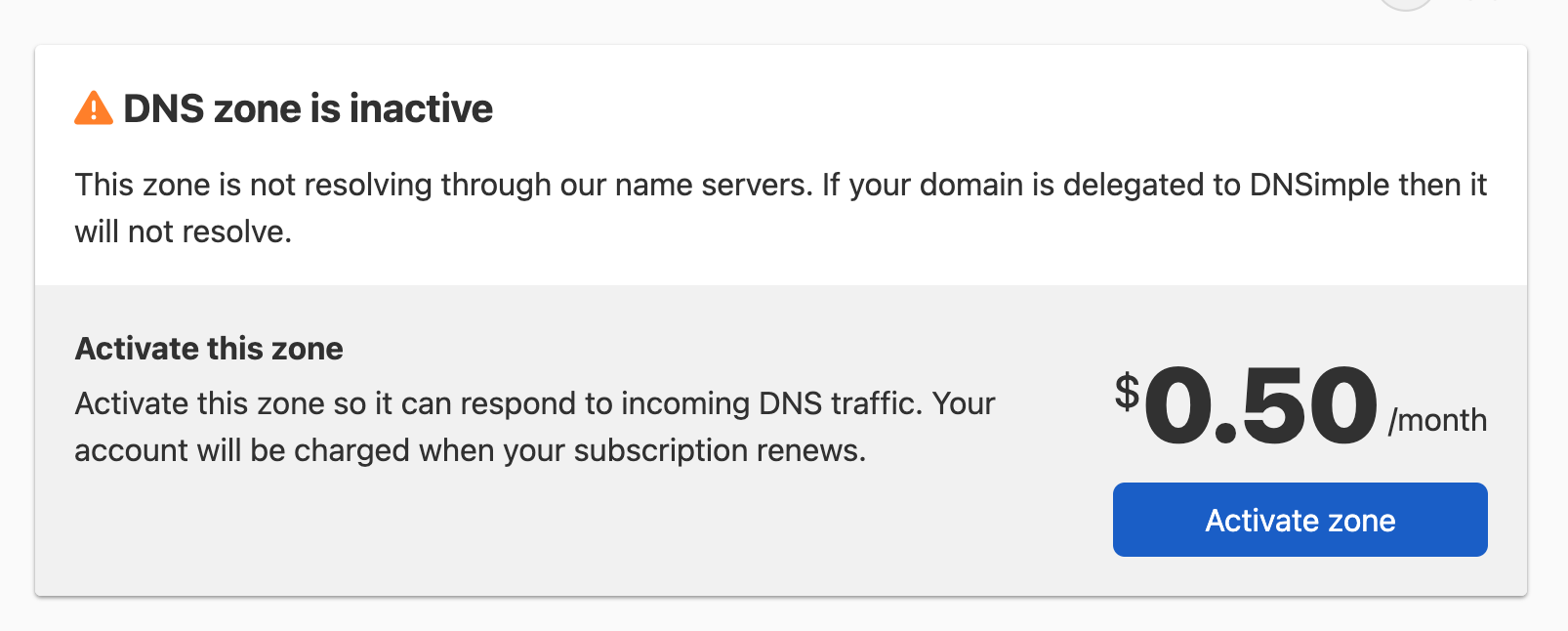
- On the card, click . The card shows the monthly price, which is charged when your subscription renews.
Note
If your account is not subscribed to a plan, the card shows instead of . Subscribe to a plan first, then come back to activate the zone. See Account Activation.
If DNSSEC was enabled on the zone before it was deactivated, it is turned back on when you activate the zone.
Deactivating a DNS zone
To deactivate a DNS zone
- If you have more than one account, select the relevant one from the account switcher at the top-right corner of the screen.
- On the header, click the tab.
- Locate the relevant domain, and click on the name to access the domain page.
-
Click the tab.
-
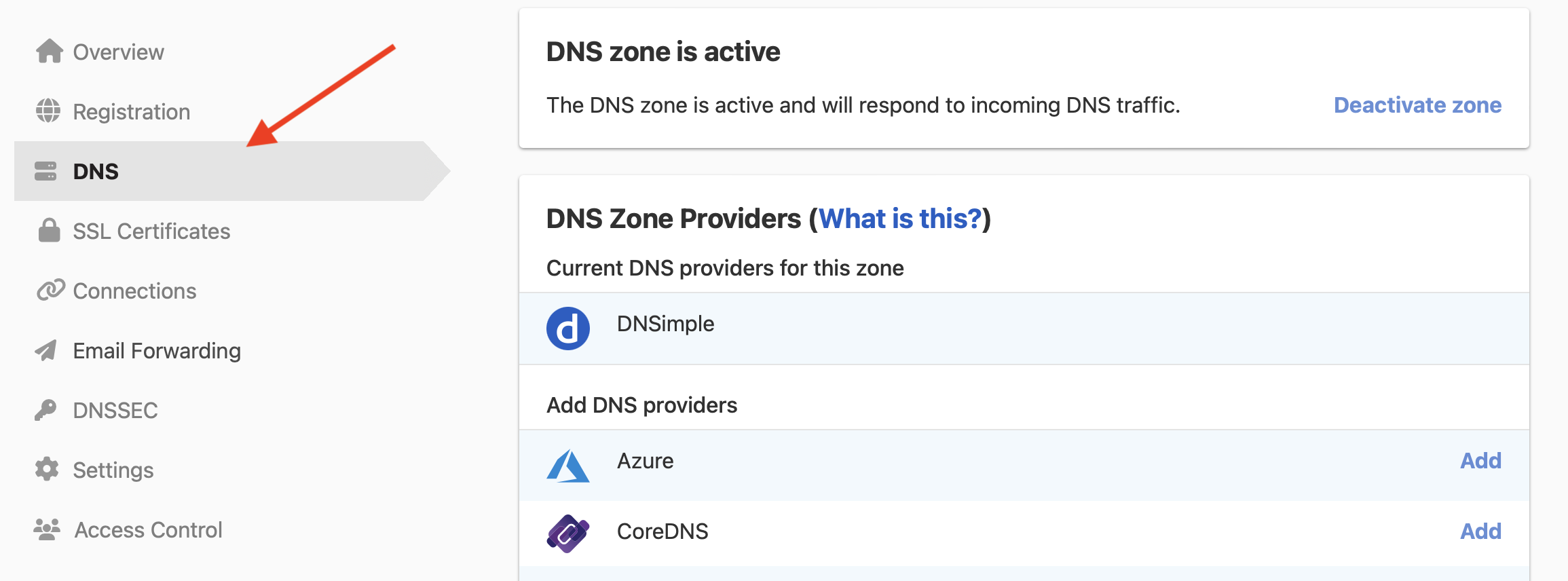
On the card, click .

- In the dialog, click to confirm.

Warning
If a domain is delegated to our name servers, deactivating the DNS zone will immediately cause the domain to stop resolving. This applies whether the domain is registered or just hosted with us. If the domain is registered with DNSimple but delegated to another DNS provider, deactivating the DNS zone will not change the delegation settings. The domain will continue to resolve through the other DNS provider as usual.
Deactivating a zone also:
- Turns off DNSSEC for the zone immediately. It comes back on if you activate the zone again.
- Leaves email forwarding active, and it is still billed. To stop email forwarding charges, delete the email forwarding configuration.
Note
Active zones are billed monthly. Deactivating a zone stops the recurring charge. If you are seeing charges for zones you are not using, check whether they are still active and deactivate them if they are no longer needed. See Understanding Your Invoice for more details.
Use cases
There are a few cases where you may want to deactivate a zone:
- You wanted to register a domain with us, but you will be using a different DNS hosting provider.
- You wanted to register a domain with us, but you are not actively using the domain (e.g., the domain is just reserved for future use or parked).
- You added the domain just to purchase an SSL certificate, but the domain is not delegated to us, and it is not resolving with DNSimple.
Have more questions?
If you have any questions or need assistance activating or deactivating a DNS zone, contact support, and we will be happy to help.