Surge One-click Service
Last updated
Table of Contents
Surge publishes static websites from the command line. The Surge one-click service adds an ALIAS record for the domain apex and a wildcard CNAME record (*), both pointing to na-west1.surge.sh.
Add the Surge service
To add the Surge service
- From the domain list, click the domain name.
- Click the tab on the left side.
-
In the card, click , or if the domain already has a service.
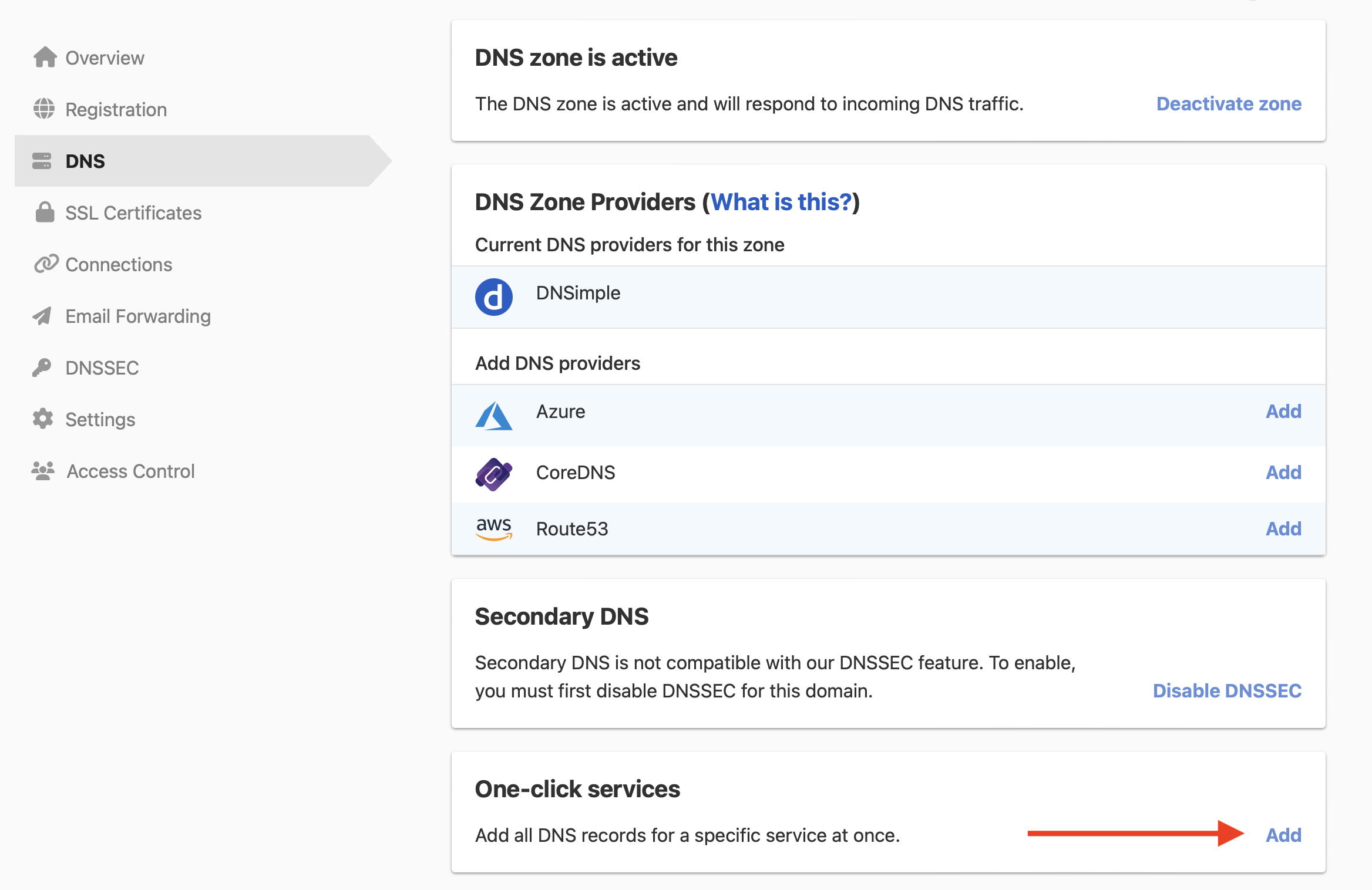
-
Click the tab, and click next to Surge.

The service has no setup form, so DNSimple adds the records as soon as you click .
Publish to the domain with Surge
Publish your project to the domain with the Surge command line tool. See Surge’s guide to adding a custom domain.
The wildcard record sends every subdomain that has no record of its own to Surge. Subdomains with their own records are not affected. To remove the service later, see Remove a one-click service.
Have more questions?
If you have additional questions or need any assistance with the Surge service, contact support, and we’ll be happy to help. You can also read more about DNSimple integrations.