Register a Domain
Last updated
If you are comparing registrars, see Why Should I Register My Domain Name with DNSimple?. There are two reasons to register a domain with DNSimple:
- It is a newly purchased domain.
- To register a domain for which you are already managing the DNS.
We recommend enabling auto-renew whenever possible to avoid your domain expiring. Learn more about what happens when a domain expires, and why you want to avoid it.
To register a domain with DNSimple
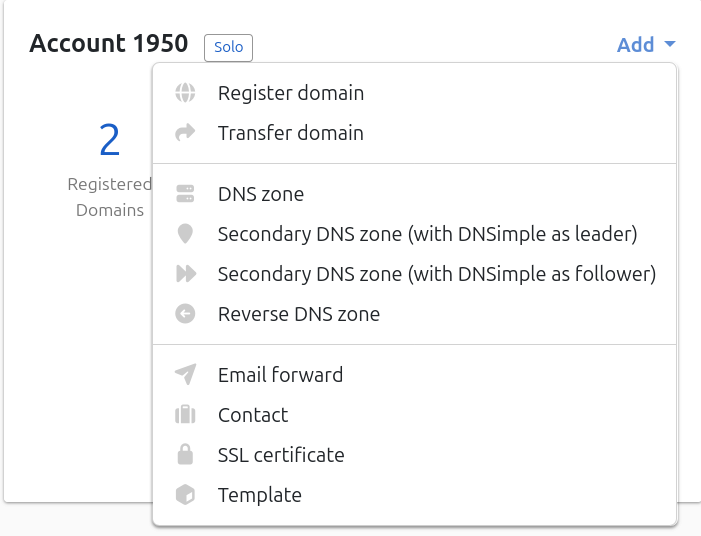
- On your Dashboard, find the relevant account’s card and click its Add menu.
- Click Register domain.
- Enter the domain name you would like to register.
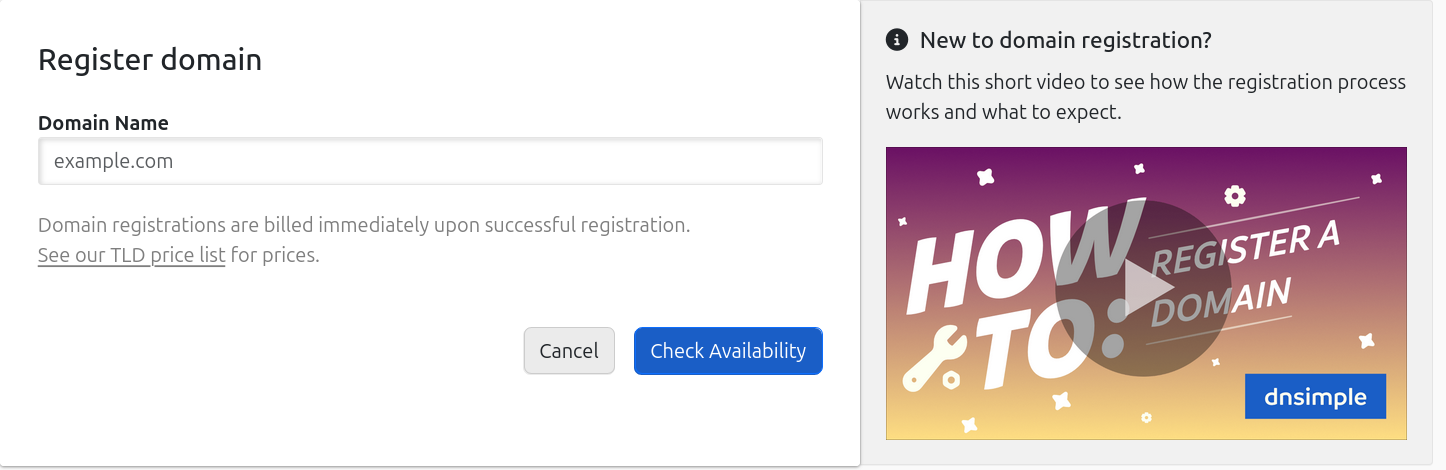
- Click Check Availability.
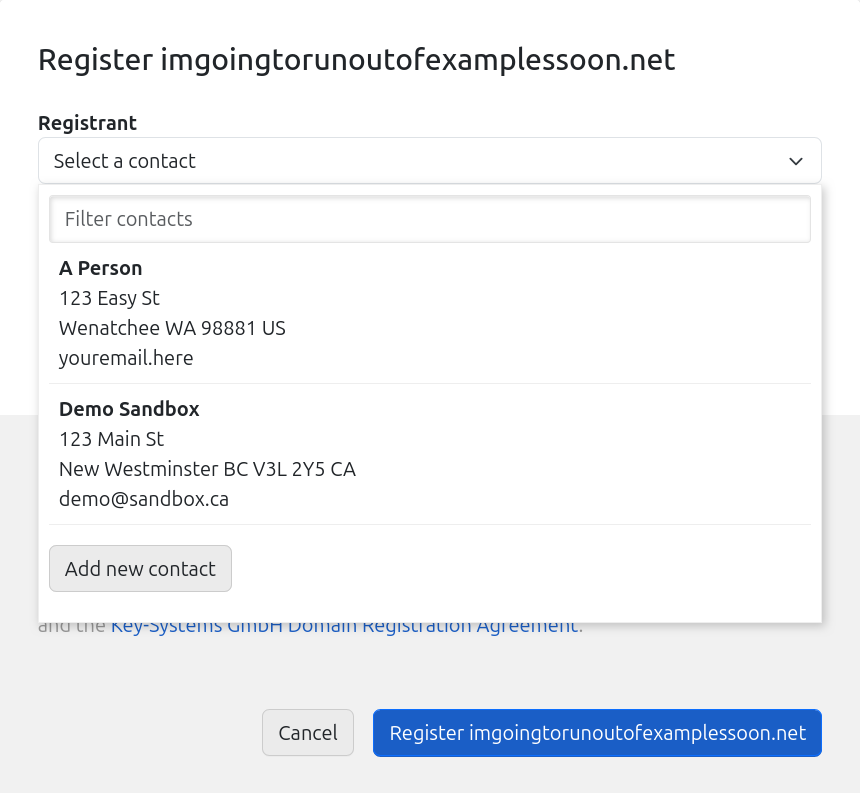
- From the drop-down, choose a contact from those you have already created or click Add new contact to provide the registrant’s contact details. If this is the first domain you are registering, you will be taken to a page to provide the registrant’s contact details.
Adding a new contact
Providing registrant details for the first time
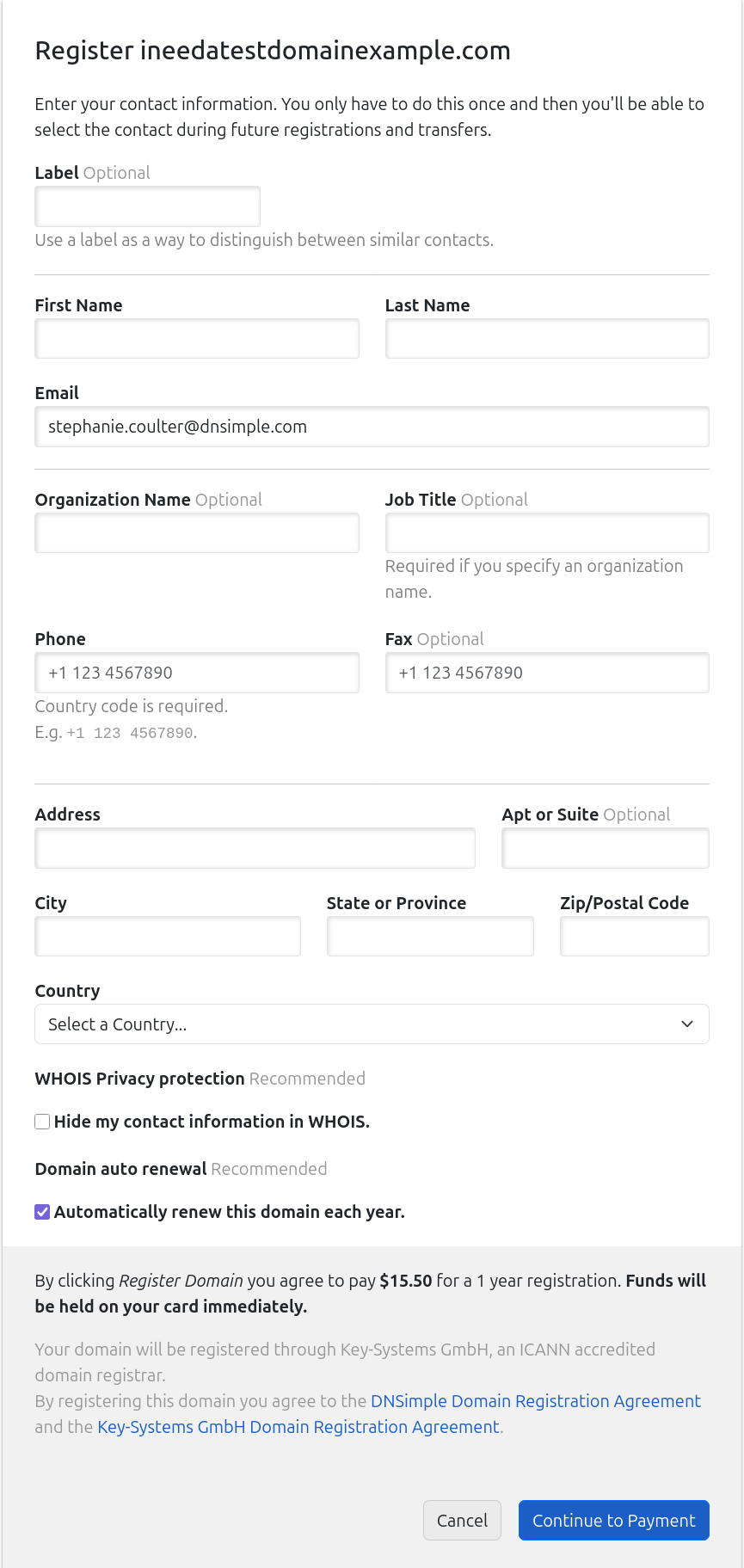
- If applicable, choose whether you want WHOIS privacy protection and/or auto-renewal enabled on the domain.
- If you have a subscription with DNSimple, click Register [domain name] for [price]. The card on file will be charged.
If you do not have a subscription, click on Continue to Payment where you will enter payment details.
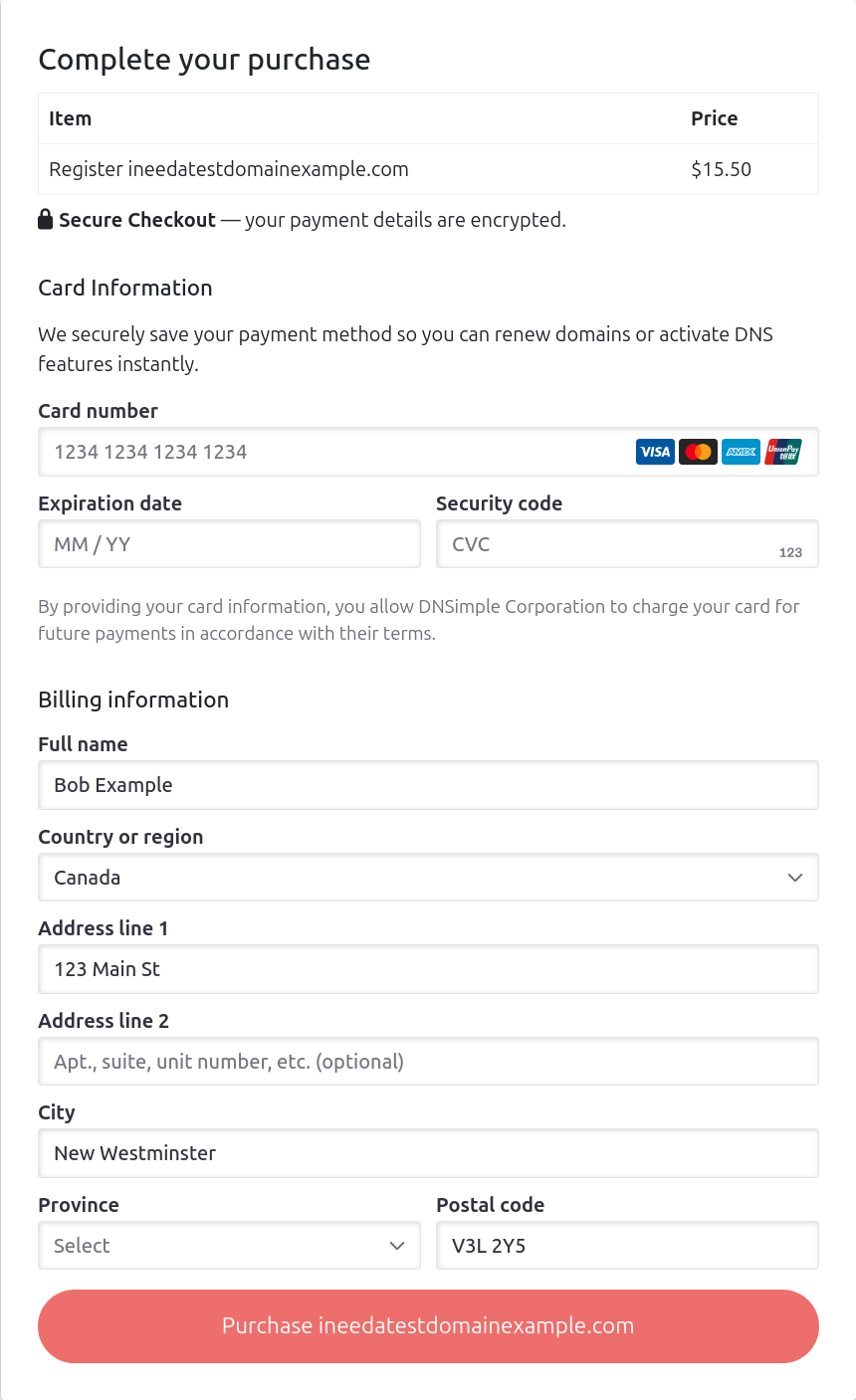
If you have already made a purchase once without a subscription, your card details have been saved. You can choose to use the saved details or add a new card.
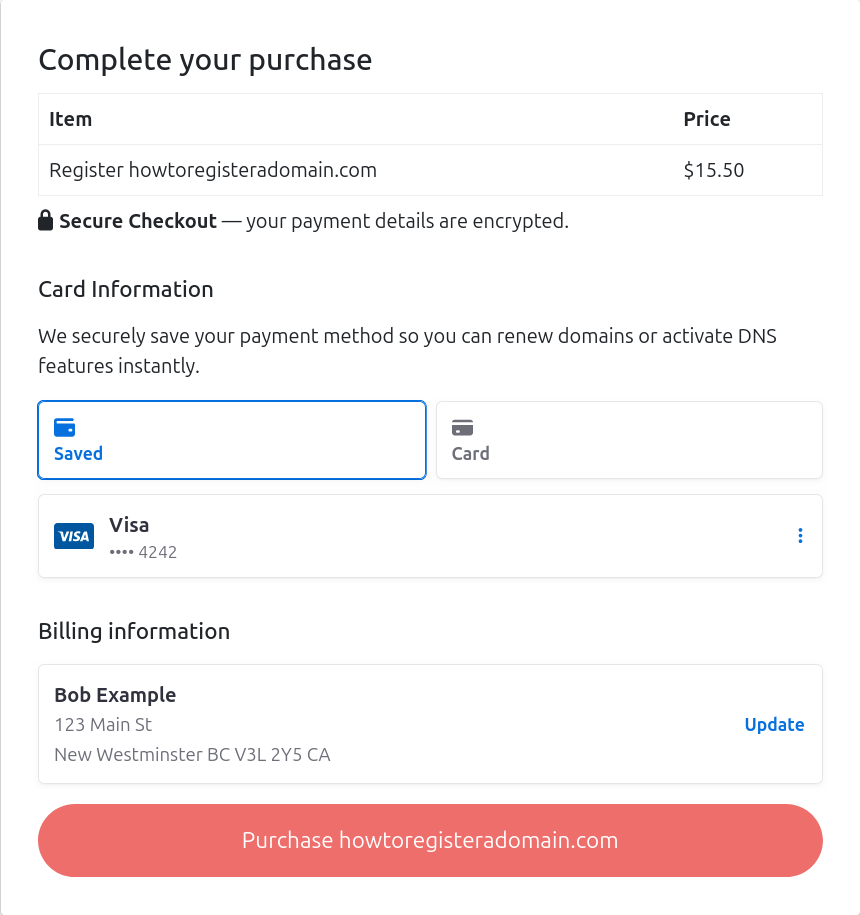
- Click Purchase (domain name)
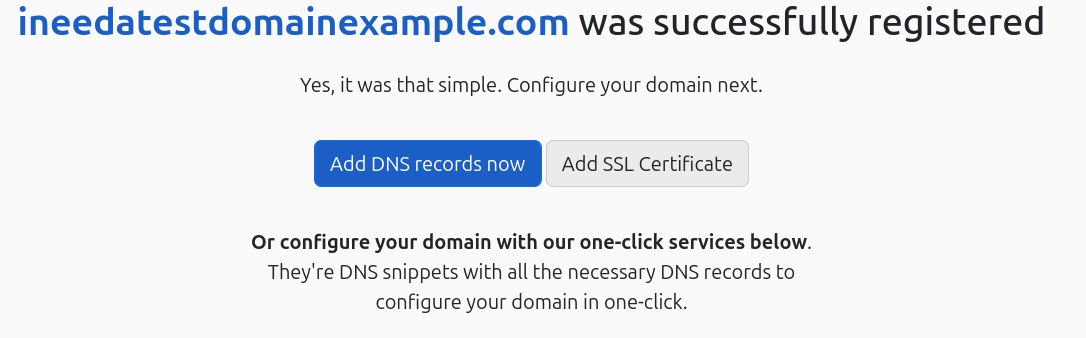
If the domain was registered successfully (whether you have a subscription or not), you will be taken to a screen confirming your registration.
Note
The total registration price will be held on your card immediately. Your card will be charged once the registration completes. If the registration fails, funds will be released.
Have more questions?
If you have any questions about registering domains with DNSimple, contact us, and we will be happy to help. You can also read more about domain registration at DNSimple.