Linking and Unlinking Integrated Domain Providers
DNSimple supports the ability to manage domains that are registered with other domain providers external to DNSimple. DNSimple calls such providers “Integrated Domain Providers”.
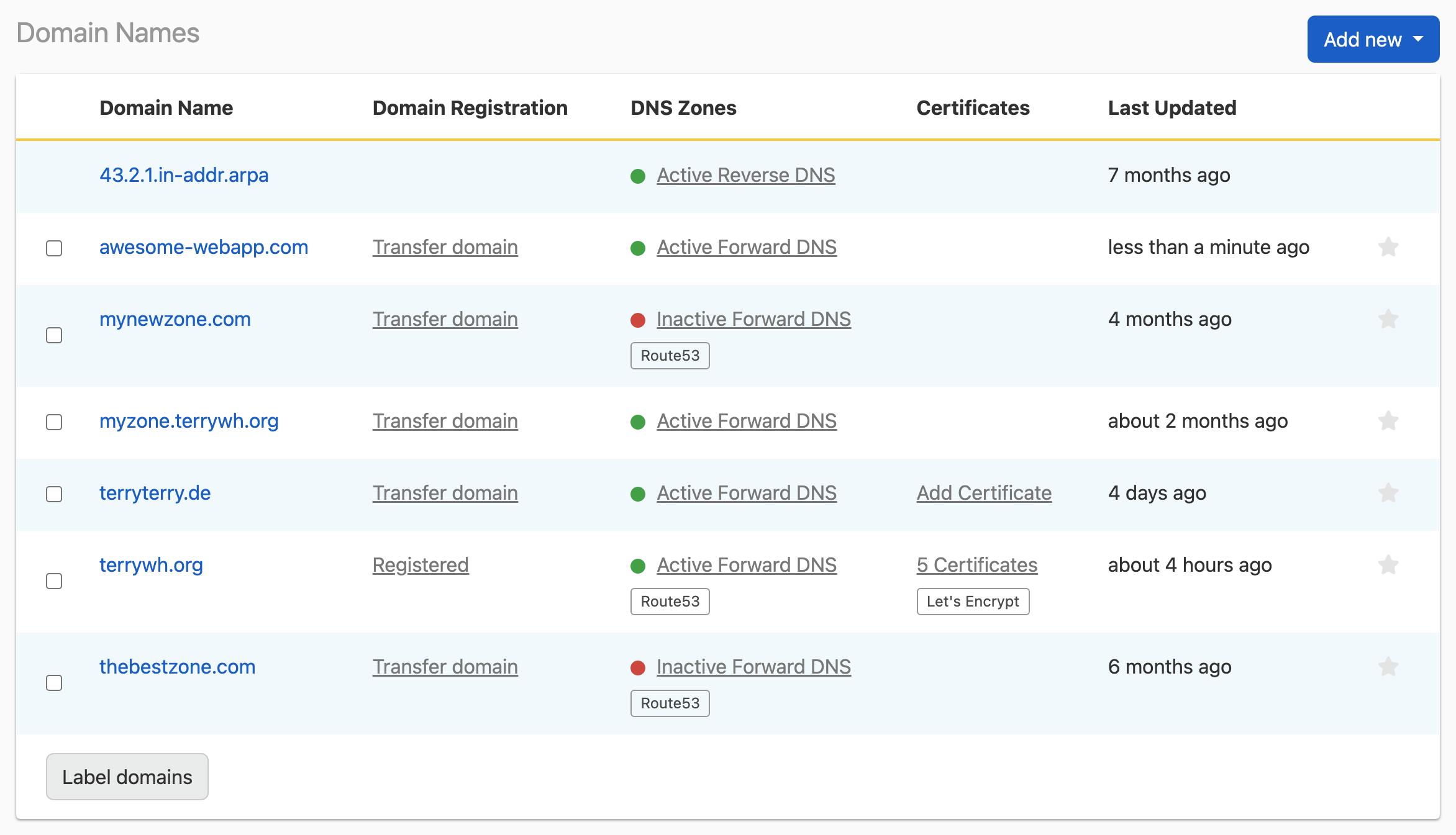
When you link an Integrated Domain Provider to your DNSimple account, domains registered via that Integrated Domain Provider will be imported into DNSimple and listed on the Domain Names page. You can view the expiry date, delegation name servers, domain registration contact, and DNSSEC information of your integrated domains from DNSimple.
Supported Integrated Domain Providers
DNSimple supports domain integration with the providers listed below.
Linking an Integrated Domain Provider to your account
To link an Integrated Domain Provider
- If you have more than one account, select the correct one from the account switcher in the top-right corner of the screen.
- Click the card.
- Under
- Under
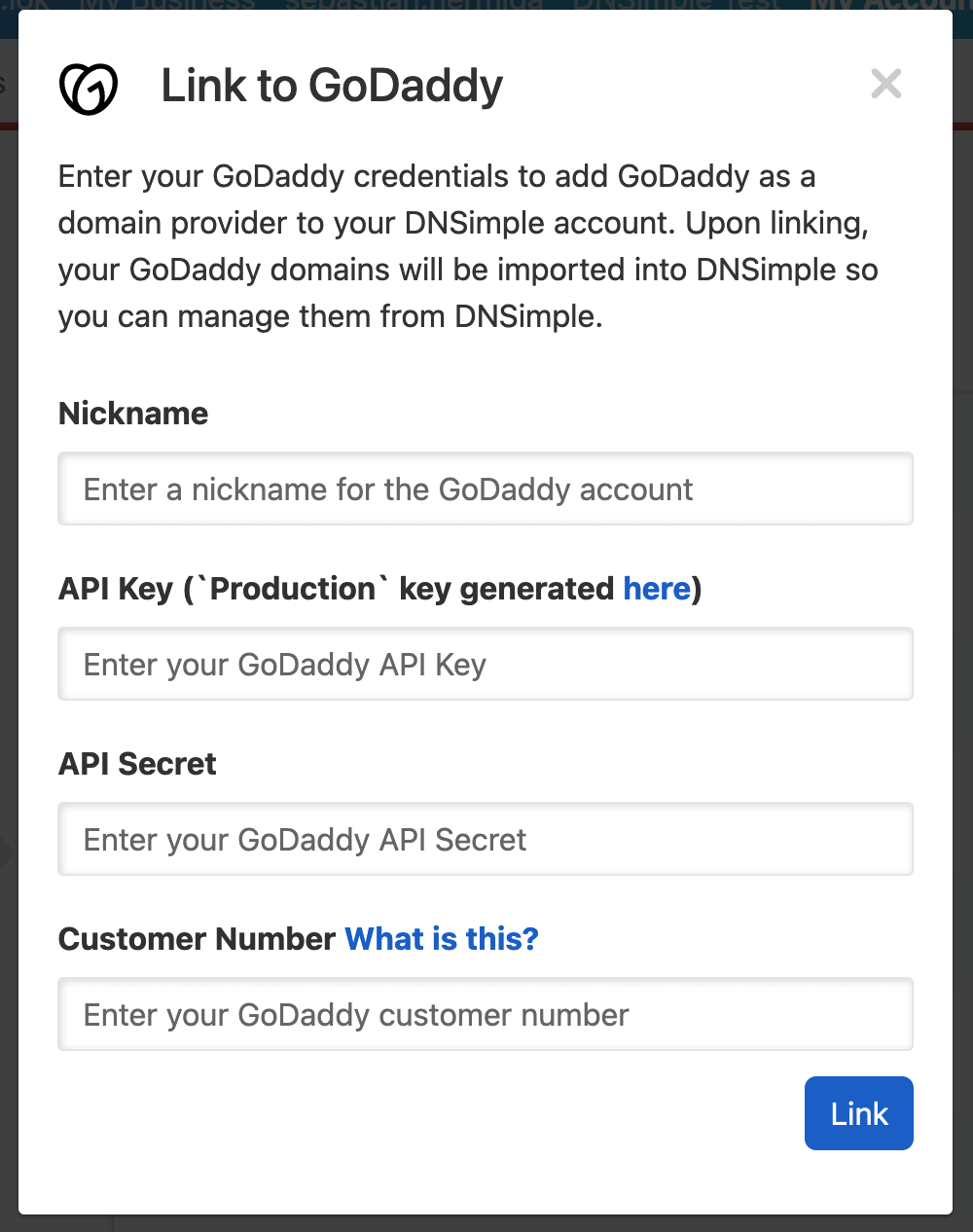
- Fill in any necessary information and credentials for your account at the Integrated Domain Provider.
- After successfully linking the Integrated Domain Provider, you will be redirected to the Domain Names page, where you can manage your integrated domains.
Unlinking an Integrated Domain Provider from your account
To unlink an Integrated Domain Provider
- At DNSimple, go to the page, and click the tab.
- Under
Have more questions?
If you have any questions about linking or unlinking integrated domain providers, contact support, and we will be happy to help.