Enable DNSSEC
Last updated
To enable DNSSEC in DNSimple, open the tab for your domain, click , and choose how you want to protect the domain. DNSimple signs the zone and rotates the keys automatically. If the domain is registered with DNSimple, we also add the DS record at the registry for you. If it’s registered elsewhere, you add the DS record at your registrar.
If you are new to DNSSEC, start with What Is DNSSEC? to understand what DNSSEC is and how it works. For a comprehensive overview of DNSSEC at DNSimple, see DNS Security Extensions (DNSSEC) at DNSimple.
Prerequisites
- The domain’s TLD must support DNSSEC.
- The DNS resolution service must be enabled for your zone.
- DNSimple as Secondary DNS (inbound zone transfers) cannot be enabled on the zone. You can read more about it in our Why DNSSEC and Secondary DNS May Not Work Together.
- DNSSEC is applied to the whole zone, with signing keys published at the domain apex. DS records for subdomains delegated with NS records (zone cuts) are not supported. See DNSSEC Compatibility With Other DNSimple Features.
Enable DNSSEC
To enable DNSSEC
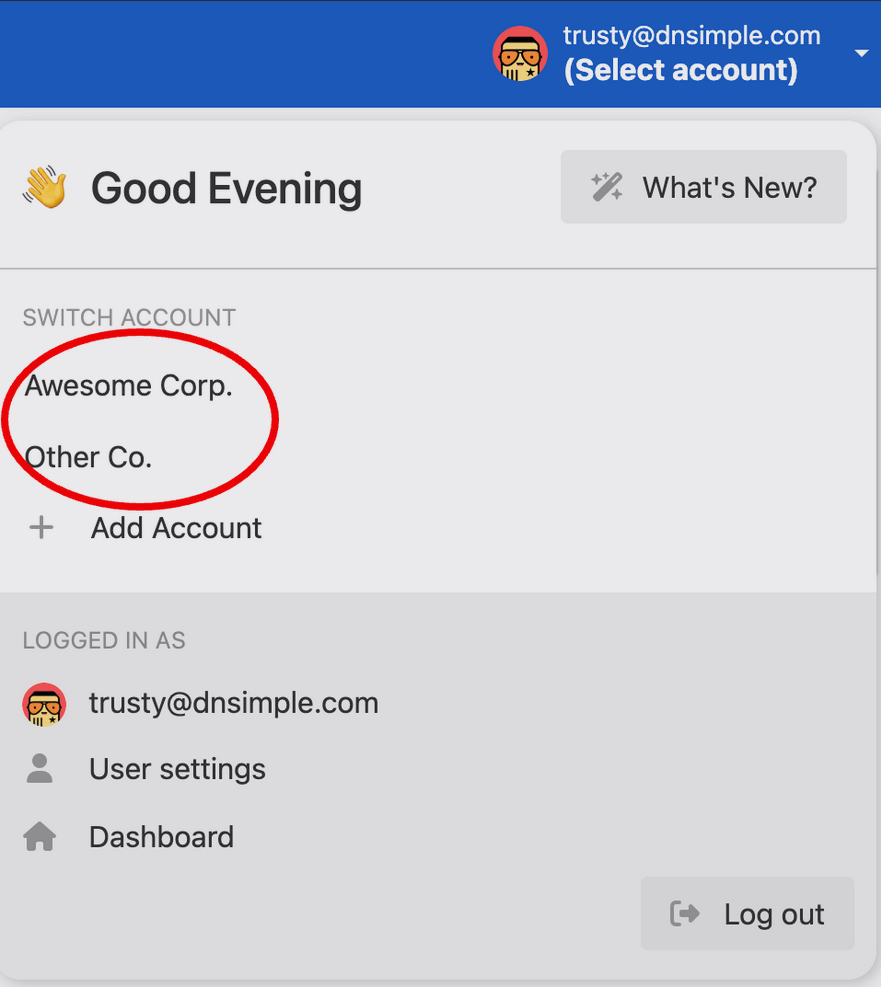
- Use the account switcher at the top of the page to select the appropriate account.
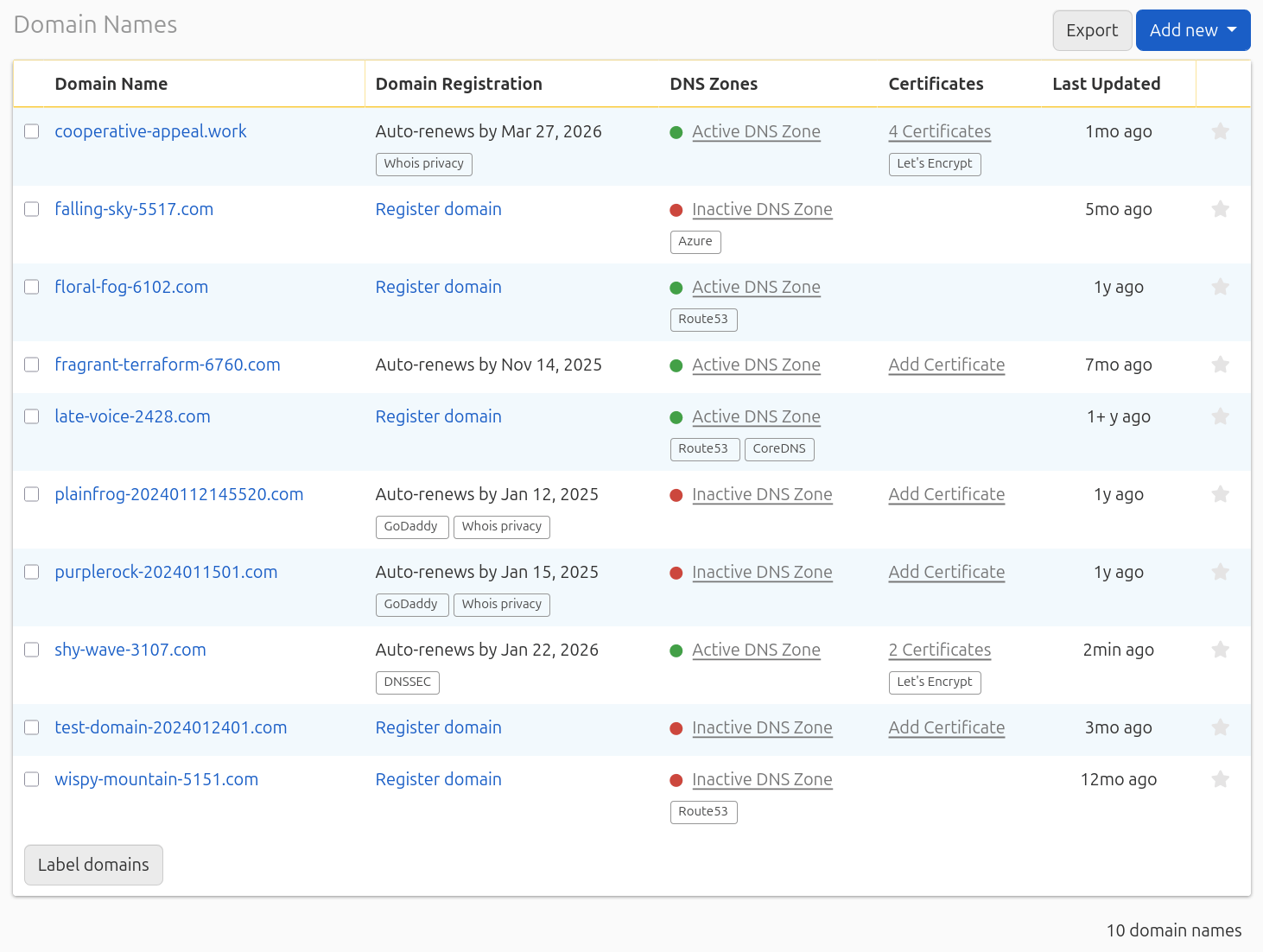
- In your list, click the name of the domain you want to enable DNSSEC on.
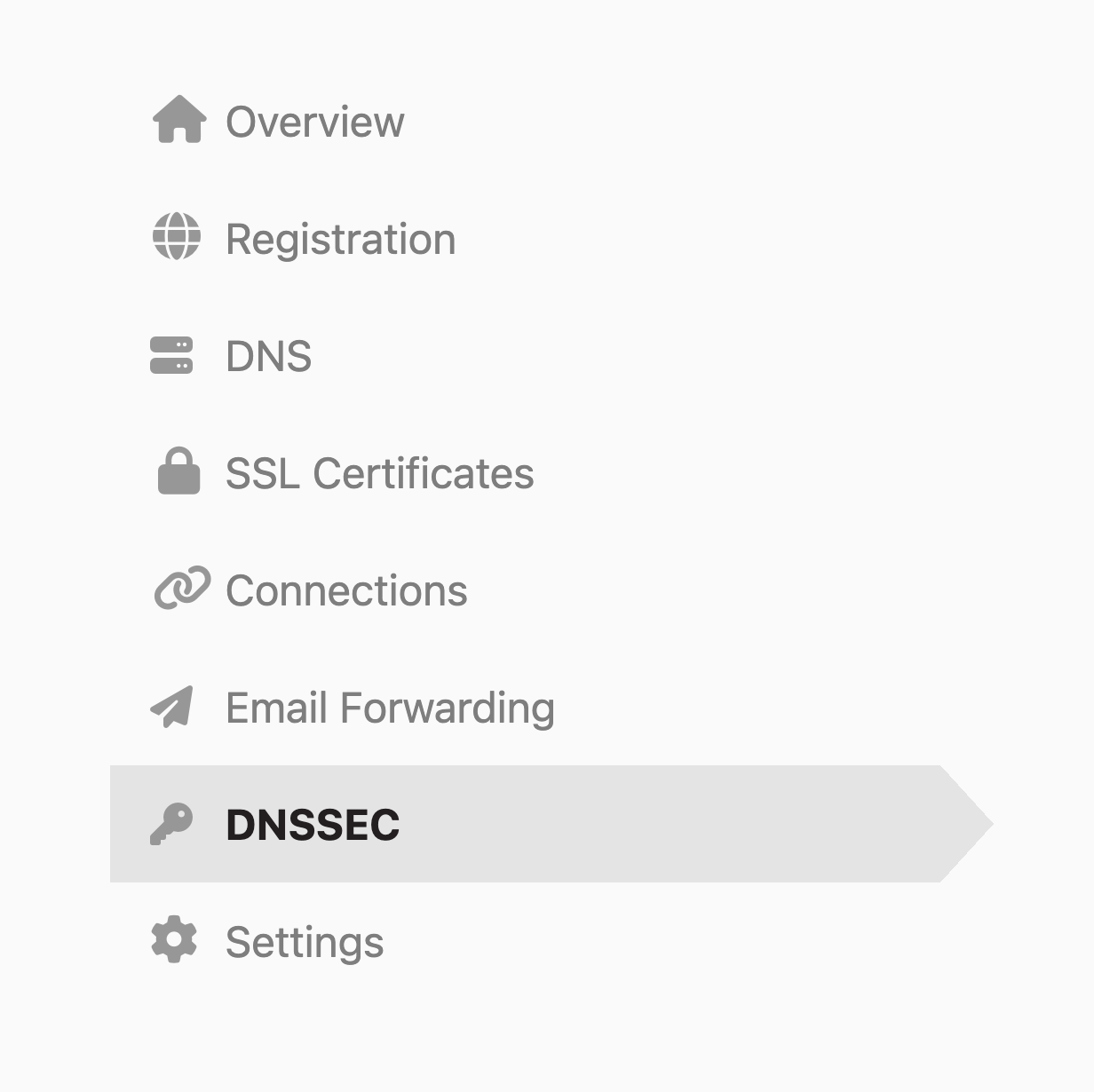
- Click the tab on the left side.
- On the card, click .

- Choose how you want to protect the domain:
- Domain registered with DNSimple and using DNSimple name servers: On the card, click . We sign the zone, rotate the keys, and manage the DS record at the registry.
- Domain registered with DNSimple, but your DNS is hosted elsewhere: On the card, click , then add the DS record from your DNS provider. Your DNS provider signs the zone.
- Domain registered elsewhere: On the card, click . We sign the zone and rotate the keys, and you add the DS record at your registrar.
If your domain is registered with DNSimple but delegated to other name servers, the card asks who should sign the zone before you continue. Enabling DNSimple signing while your domain uses another provider’s name servers will cause your domain to stop resolving, so change the delegation to DNSimple first.
Note
To see how to enable DNSSEC with the API, check out our developer documentation.
What happens next?
If the domain is registered with DNSimple:
- The zone will be signed automatically.
- The DS record will be provisioned directly at the registry. No additional action is needed.
- Setup usually takes a few moments. Refresh the tab to see the updated status.
If the domain is registered elsewhere:
- The zone will be signed automatically.
- You will receive an email containing the DS record in both DS-data and KEY-data format. Follow its instructions to provision the record with your domain’s registrar. Keep the email until the DS record is live.
- We check the parent zone for the new DS record. Once it’s published, DNSSEC is enabled.
- The tab shows a summary of your active key set: algorithm, key tag, creation date, and next scheduled rotation. It does not display the full DS record during initial setup. Use the values from the email.
Warning
The email includes a deadline for provisioning the DS record, 7 days after you enable DNSSEC. If the DS record is not in place at your registrar by that date, DNSSEC is disabled on the domain.
After DNSSEC is enabled, DNSimple rotates your keys automatically. See Rotate DNSSEC Keys for what that means for your DS record.
Troubleshooting
If you encounter issues after enabling DNSSEC, see Troubleshoot DNSSEC for comprehensive guidance on diagnosing and resolving common DNSSEC problems.
Have more questions?
If you have any questions or need assistance enabling DNSSEC, contact support, and we’ll be happy to help. You can also read more about DNSimple Enterprise.