Changing Payment Details
Last updated
Table of Contents
Update the credit card or payment method DNSimple uses for your account subscription and purchases. For the full list of methods DNSimple accepts, see Supported Payment Methods.
Account owners and team members with Full Access can change the payment method associated with the DNSimple account at any time.
Note
On Teams and Enterprise plans with Domain Access Control, only members with Full Access can update billing information.
Changing payment details
To update payment details
- Select the account you want to update from the account switcher at the top-right corner of the screen, then click the gear icon next to the account name to open .
- Select the tab from the left sidebar.
-
On the card showing your credit card information, click .
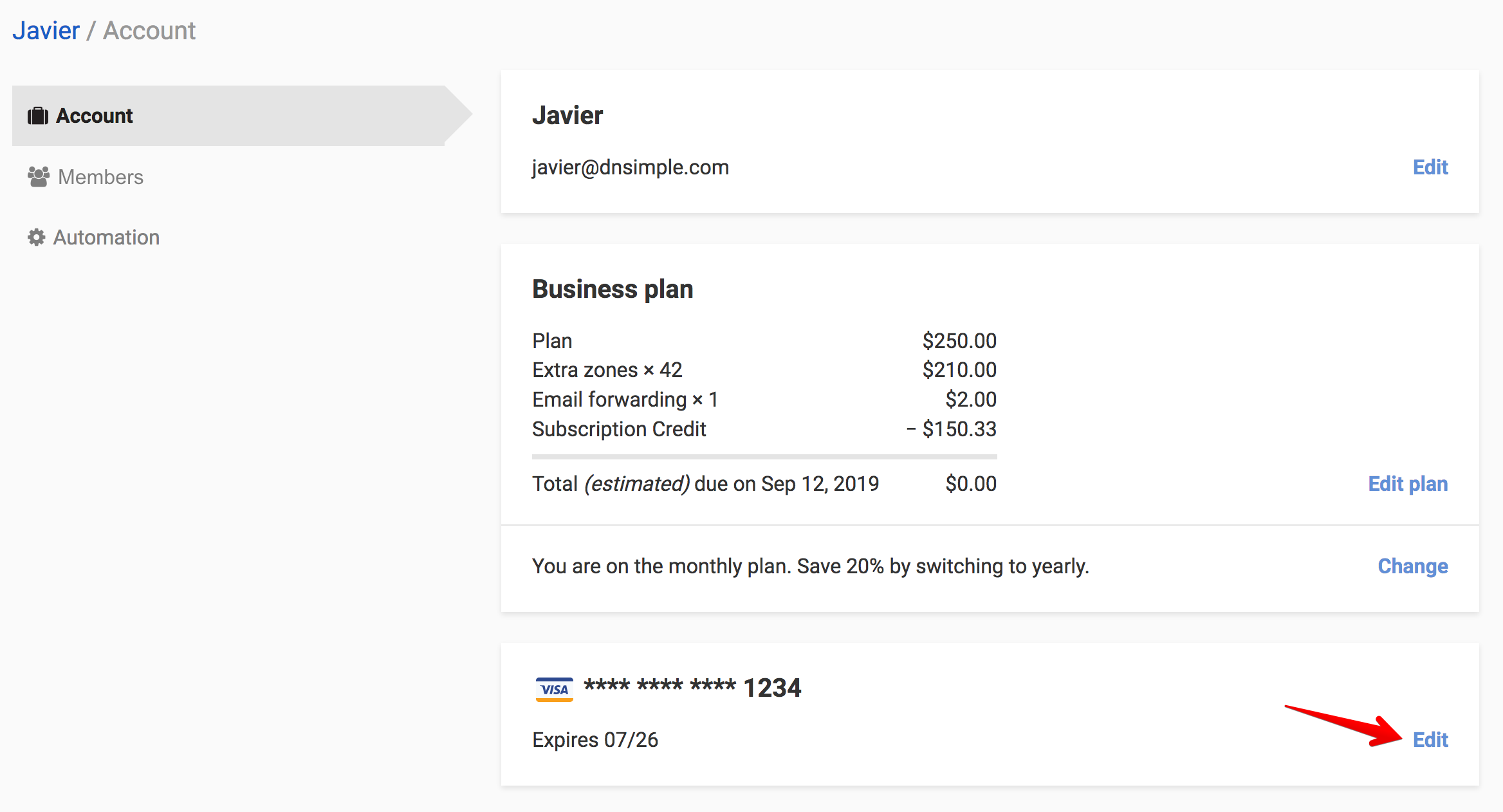
- Fill in your new credit card details and click .
-
When the card has updated successfully, you will see the message “Your card on file has been updated.”

Have more questions?
If you have questions about changing your payment details, contact support, and we will be happy to help.