AWS S3 One-click Service
Last updated
Table of Contents
The AWS S3 one-click service points your domain apex to an Amazon S3 bucket set up for static website hosting. It adds an ALIAS record to the bucket’s website endpoint, such as example.com.s3-website-us-east-1.amazonaws.com.
Set up the bucket first
Create a bucket with the same name as your domain, such as example.com, and turn on static website hosting. See AWS’s walkthrough for hosting a static website on a custom domain.
Check the format of the bucket’s website endpoint before you use the service:
-
s3-website-<region>(dash): the service works. Older Regions, such asus-east-1,us-west-2, andeu-west-1, use this format. -
s3-website.<region>(dot): the service creates a record that does not resolve. Newer Regions, such aseu-central-1andus-east-2, only use this format. Add the record yourself instead, as described below.
AWS lists the endpoint for every Region in Website endpoints.
Add the AWS S3 service
To add the AWS S3 service
- From the domain list, click the domain name.
- Click the tab on the left side.
-
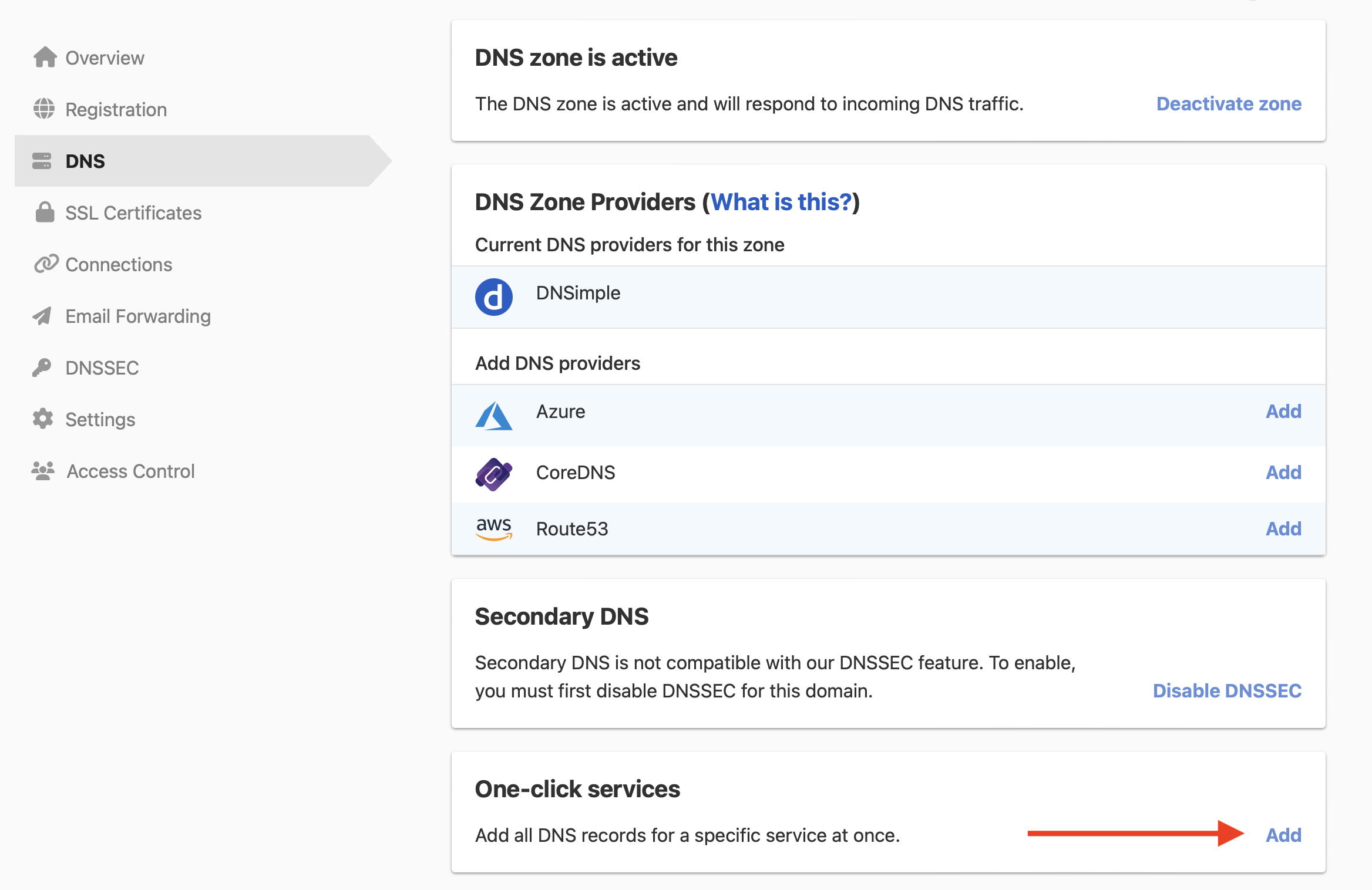
In the card, click , or if the domain already has a service.
-
Click the tab, and click next to AWS S3.

- In , enter the bucket’s Region, such as
us-east-1. - Click .
To remove the service later, see Remove a one-click service.
Add the record yourself
To point the apex to the bucket
- From the list, click the domain, then click at the top-right.
- Click , and select .
- Leave blank, enter the bucket’s website endpoint without
http://in , such asexample.com.s3-website.eu-central-1.amazonaws.com, and click .
S3 website endpoints only serve HTTP. For HTTPS, AWS recommends AWS Amplify Hosting, or Amazon CloudFront in front of the bucket.
Have more questions?
If you have additional questions or need any assistance with the AWS S3 service, contact support, and we’ll be happy to help. You can also read more about DNSimple integrations.